



Skip to content

Excel Functions

Excel f(x)s = Excel Functions

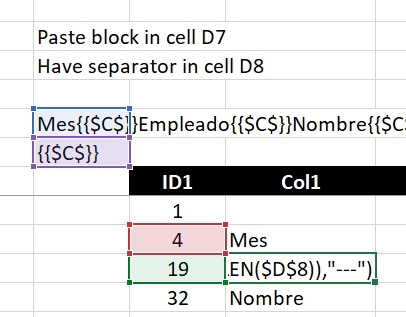
  • Extract current (Active) workbook name CELL
  • Convert 2-column into wide (column-row) table Formulas - combined functions
  • Week number to Month number DATE
  • Cuts string of list of items Formulas - combined functions
  • Shades of gray Graphics
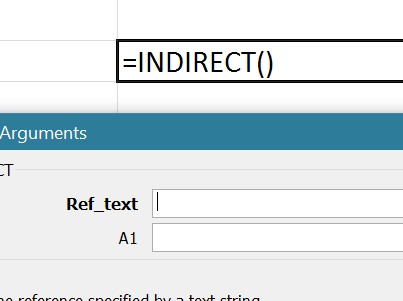
  • Why I ran from =INDIRECT() function Formulas - combined functions
  • Min Max vehicle Formulas - combined functions
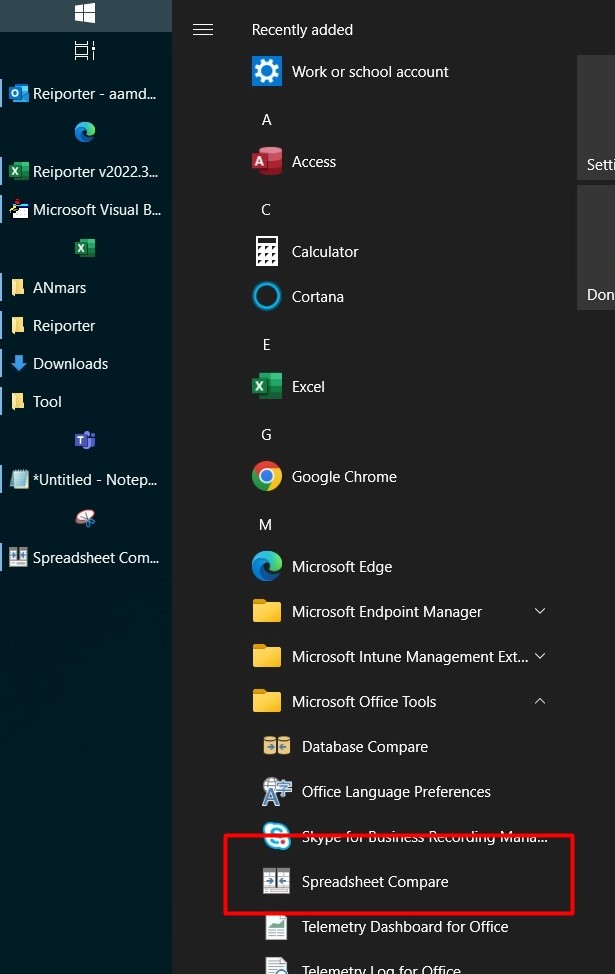
  • Spreadsheet Compare application Excel User tips

Tag: Copy

Paste Special Percentage

Posted on May 20, 2023 By ANmar
Paste Special Percentage

One of many tricks that we overlook due to the huge number of possibilities in Excel and its functions.

This one I wanted to keep helping me as reference, it is how to change a number in range of cells by copying another value OVER it with ‘Paste Special’. Checkout screenshot.

Read More “Paste Special Percentage” »

Excel User tips, Non-functions

Recent Posts

  • Stale values (Scratched functions)
  • Middle name + 1st name
  • LastSunday, LastSaturday
  • Paste Special Percentage
  • Jan8 date format

Archives

Categories

  • Array formula (1)
  • Formulas – combined functions (58)
  • Google Sheets (2)
  • Non-functions (36)
    • ActiveX controls (2)
    • Conditional Formatting (7)
    • Data Validation (7)
    • Excel User tips (19)
    • Format Cells (6)
    • Graphics (4)
    • Names (3)
  • Standard functions (82)
    • Basic Math (18)
    • Date and Time (16)
      • DATE (9)
      • Hour (1)
      • MONTH (7)
      • NETWORKDAYS (2)
      • TODAY (7)
      • WEEKDAY (8)
      • WEEKNUM (1)
      • YEAR (8)
    • Engineering (1)
      • CONVERT (1)
    • Information (6)
      • CELL (4)
      • ISERROR (1)
      • N (1)
    • Logical (30)
      • AND (5)
      • IF (24)
      • IFERROR (6)
      • IFNA (1)
      • IFS (1)
      • ISERROR (1)
      • OR (2)
    • Lookup and References (36)
      • ADDRESS (4)
      • CHOOSE (3)
      • COLUMN (7)
      • FORMULATEXT (1)
      • HLOOKUP (1)
      • HYPERLINK (2)
      • INDEX (5)
      • INDIRECT (6)
      • MATCH (12)
      • OFFSET (15)
      • ROW (11)
      • VLOOKUP (5)
    • Math and Trig (24)
      • ABS (1)
      • CEILING (1)
      • COUNT (1)
      • COUNTA (4)
      • INT (9)
      • LARGE (2)
      • MAX (1)
      • Min (2)
      • SMALL (3)
      • SUM (3)
      • SUMIF (1)
      • SUMIFS (2)
      • SUMPRODUCT (1)
    • Statistical (5)
      • COUNTIF (4)
      • COUNTIFS (1)
    • Texts and Strings (24)
      • CHAR (5)
      • CONCATINATE (1)
      • FIND (1)
      • LEFT (8)
      • Len (4)
      • MID (9)
      • REPT (3)
      • RIGHT (2)
      • SEARCH (9)
      • STRING (1)
      • SUBSTITUTE (2)
      • TEXT (4)
      • TRIM (2)
      • VALUE (2)
  • Uncategorized (2)
  • User-Defined f(x)s = UDF (3)
    • HyperlinkOf (1)
  • Worksheet (16)
  • XLfxs (2)

Meta

  • Log in
  • Entries feed
  • Comments feed
  • WordPress.org
  • The Excel “&” bug Excel User tips
  • Shades of gray Graphics
  • Worksheet name, dynamically using formula CELL
  • Multiple lines in cell using functions CHAR
  • UDF – Convert Number into text (English and Arabic) User-Defined f(x)s = UDF
  • Tally chart in functions Formulas - combined functions
  • State Abbr with Index+Match+Validation Data Validation
  • Recover the unrecoverable Excel User tips

Copyright © 2026 Excel Functions.

Powered by PressBook News Dark theme