
Skip to content

Excel Functions

Excel f(x)s = Excel Functions

  • 6174 Kaprekar’s constant Basic Math
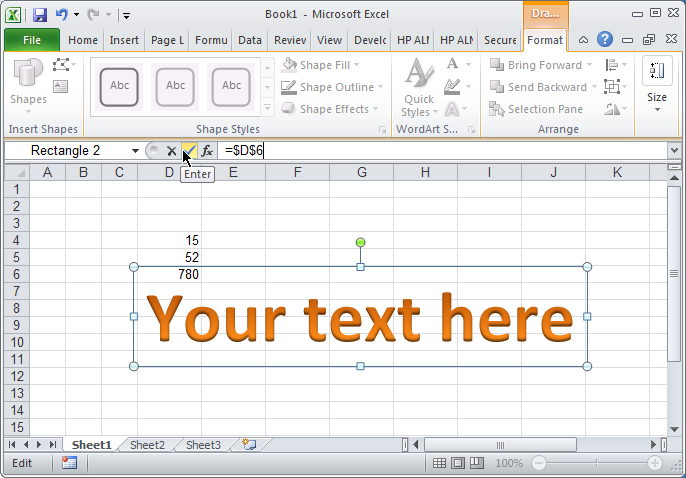
  • Convert cell into textbox Excel User tips
  • Stale values (Scratched functions) Excel User tips
  • Looplist – Repeating months using formulas Basic Math
  • Excel @ before function names in formulas Excel User tips
  • Tally chart in functions Formulas - combined functions
  • Shapes with dynamic output Excel User tips
  • Week number to Month number DATE

Category: IFNA

IFS (and IFNA) to avoid nested IFs

Posted on March 25, 2018 By ANmar
IFS (and IFNA) to avoid nested IFs

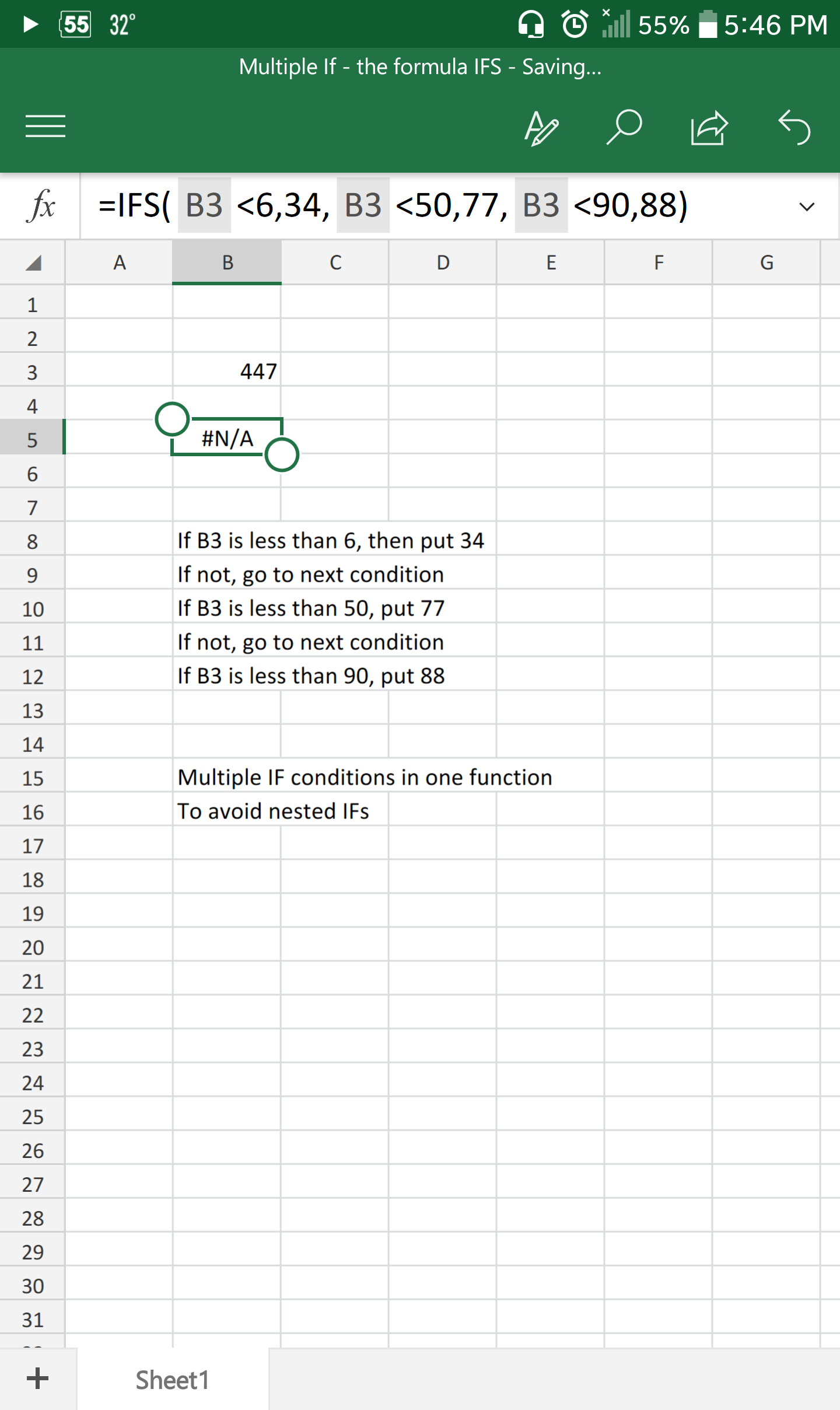
I tend to see more and more the usage of nested IF functions recently

Now, do not get me wrong, IF is great, but come on, are you going to use it for more than 2 conditions? seriously?

Excel 2013 comes with IFS, the perfect alternative to nested IFs

As you can see, takes up to 127 conditions, neat, right?

Read More “IFS (and IFNA) to avoid nested IFs” »

Formulas - combined functions, IFNA, IFS, Logical, Standard functions

Recent Posts

  • Calculate above and below me
  • Stale values (Scratched functions)
  • Middle name + 1st name
  • LastSunday, LastSaturday
  • Paste Special Percentage

Archives

Categories

  • Array formula (1)
  • Formulas – combined functions (58)
  • Google Sheets (2)
  • Non-functions (36)
    • ActiveX controls (2)
    • Conditional Formatting (7)
    • Data Validation (7)
    • Excel User tips (19)
    • Format Cells (6)
    • Graphics (4)
    • Names (3)
  • Standard functions (83)
    • Basic Math (18)
    • Date and Time (16)
      • DATE (9)
      • Hour (1)
      • MONTH (7)
      • NETWORKDAYS (2)
      • TODAY (7)
      • WEEKDAY (8)
      • WEEKNUM (1)
      • YEAR (8)
    • Engineering (1)
      • CONVERT (1)
    • Information (6)
      • CELL (4)
      • ISERROR (1)
      • N (1)
    • Logical (31)
      • AND (5)
      • IF (25)
      • IFERROR (7)
      • IFNA (1)
      • IFS (1)
      • ISERROR (1)
      • OR (2)
    • Lookup and References (36)
      • ADDRESS (4)
      • CHOOSE (3)
      • COLUMN (7)
      • FORMULATEXT (1)
      • HLOOKUP (1)
      • HYPERLINK (2)
      • INDEX (5)
      • INDIRECT (6)
      • MATCH (12)
      • OFFSET (15)
      • ROW (11)
      • VLOOKUP (5)
    • Math and Trig (24)
      • ABS (1)
      • CEILING (1)
      • COUNT (1)
      • COUNTA (4)
      • INT (9)
      • LARGE (2)
      • MAX (1)
      • Min (2)
      • SMALL (3)
      • SUM (3)
      • SUMIF (1)
      • SUMIFS (2)
      • SUMPRODUCT (1)
    • Statistical (6)
      • Average (1)
      • COUNTIF (4)
      • COUNTIFS (1)
    • Texts and Strings (24)
      • CHAR (5)
      • CONCATINATE (1)
      • FIND (1)
      • LEFT (8)
      • Len (4)
      • MID (9)
      • REPT (3)
      • RIGHT (2)
      • SEARCH (9)
      • STRING (1)
      • SUBSTITUTE (2)
      • TEXT (4)
      • TRIM (2)
      • VALUE (2)
  • Uncategorized (2)
  • User-Defined f(x)s = UDF (3)
    • HyperlinkOf (1)
  • Worksheet (16)
  • XLfxs (2)

Meta

  • Log in
  • Entries feed
  • Comments feed
  • WordPress.org
  • Why I ran from =INDIRECT() function Formulas - combined functions
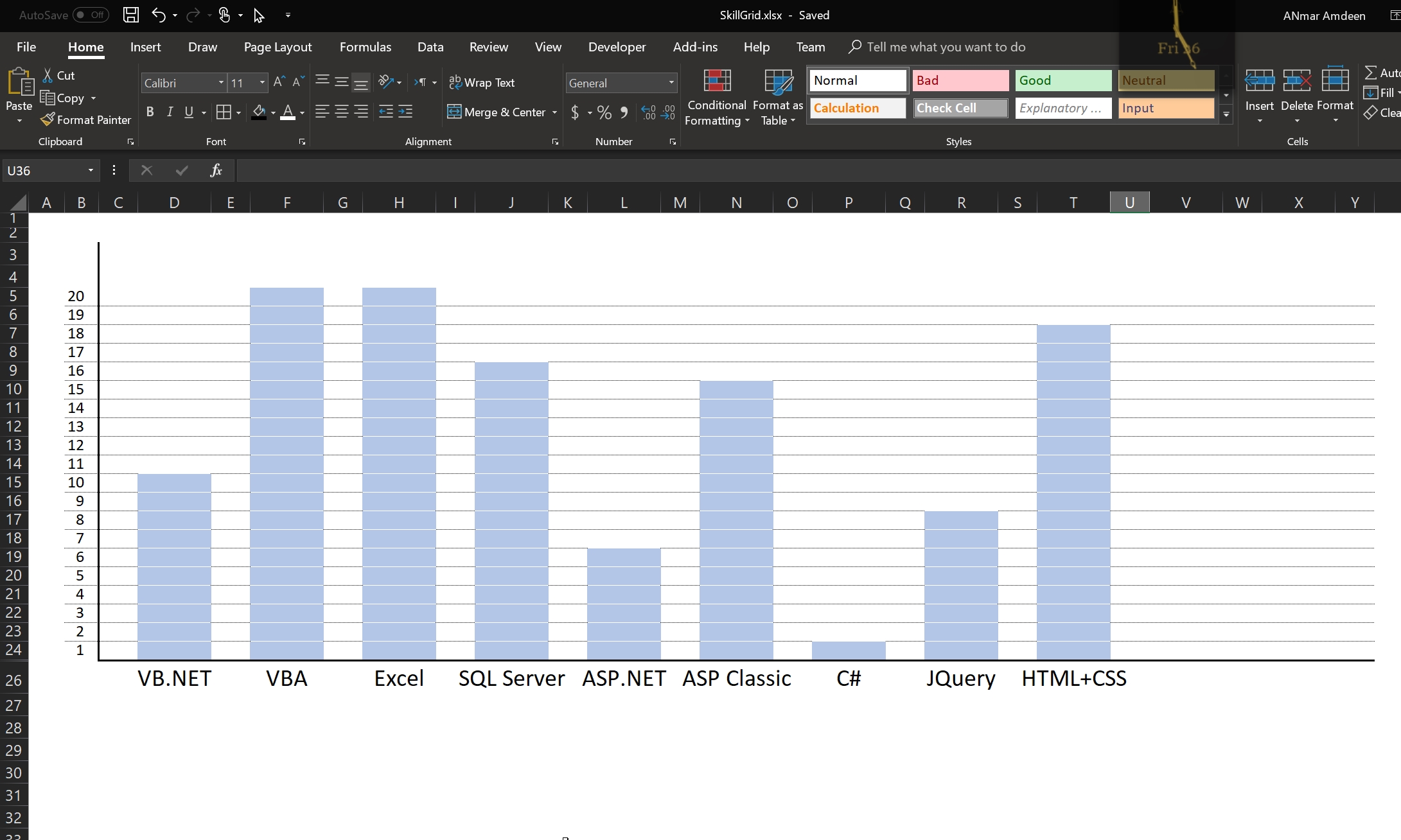
  • Skills Grid Conditional Formatting
  • Blank (isempty) VS “” (null string) Excel User tips
  • Stale values (Scratched functions) Excel User tips
  • DayName Date and Time
  • New function IFERROR, finally IFERROR
  • Return 12 values in one number AND
  • Sheet() and Sheets() Lookup and References

Copyright © 2026 Excel Functions.

Powered by PressBook News Dark theme