Format a date in shortest format possible indicating how many days have passed (Past date)
If date1-date2 < 8 Sat, Fri, …
If date1-date2 < 350 Dec24, Jan4, Aug14
Else 2020Feb4
Excel f(x)s = Excel Functions
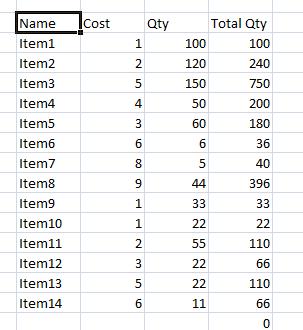
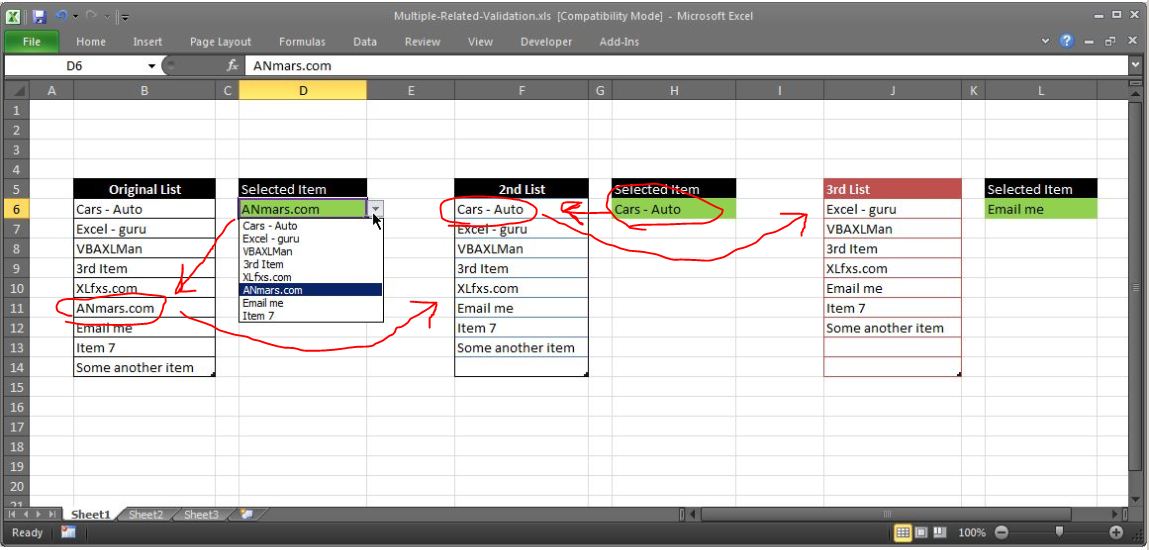

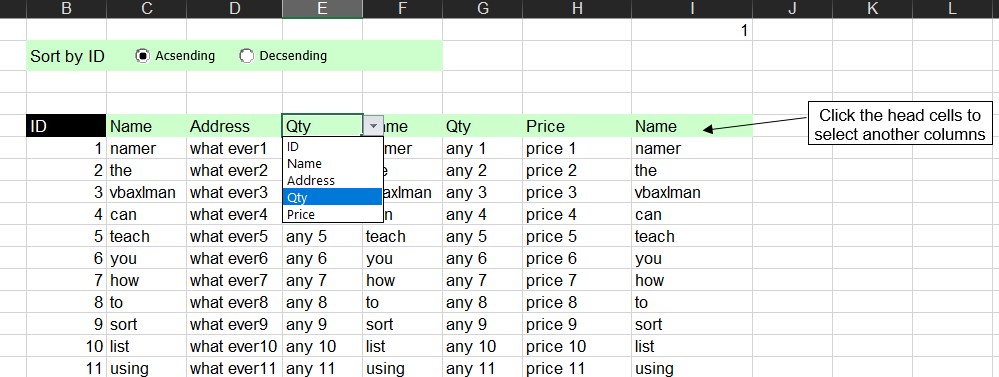

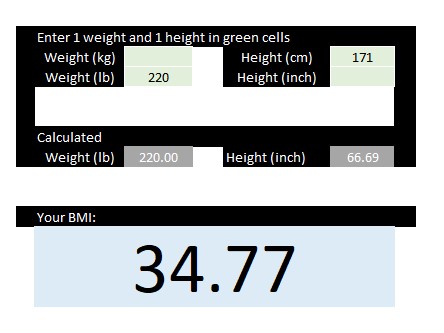
Calculating average of the column in a cell inside that same column Getting average of what is above me and what is below me in my same column in one of the cells DS2 has 1 to use as Average, anything else to get regular number from some calculation … PH2 = IF($DS2=1, IFERROR(AVERAGE(PH$1:PH1,PH3:PH$110),”N/A”), “Other…
Format a date in shortest format possible indicating how many days have passed (Past date)
If date1-date2 < 8 Sat, Fri, …
If date1-date2 < 350 Dec24, Jan4, Aug14
Else 2020Feb4
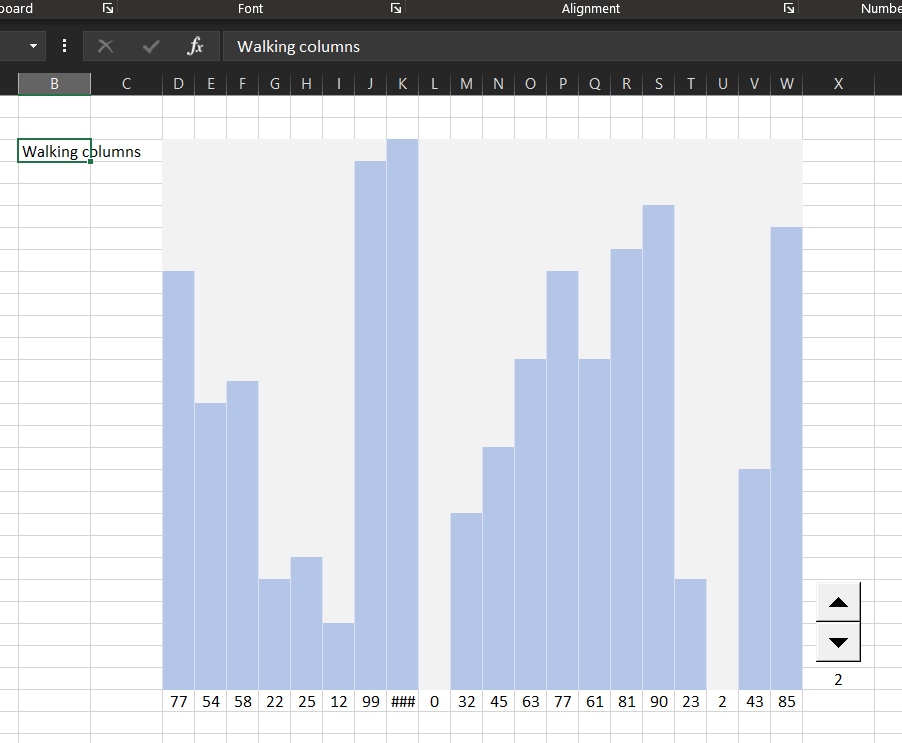
An easy way to scroll through set of data in a graphic way without graphs.
A-pure-formula xlsx workbook. These were done using formulas, conditional formatting, and ActiveX control.
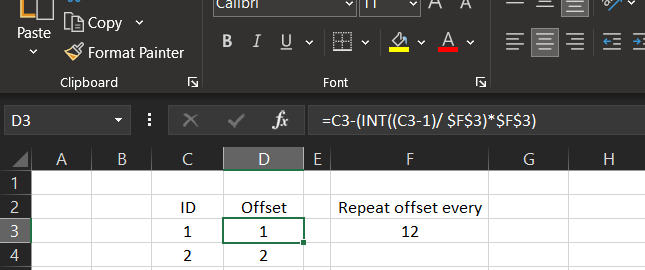
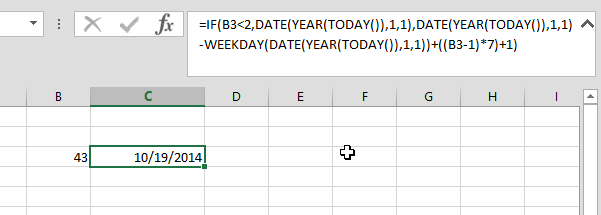
I needed to have an offset of columns to be repeated every 12 months.
This is part of a project, we needed to calculate the coefficient of sales prediction based on the month number, we do have coefficient saved in another table that repeated every year (12 months).
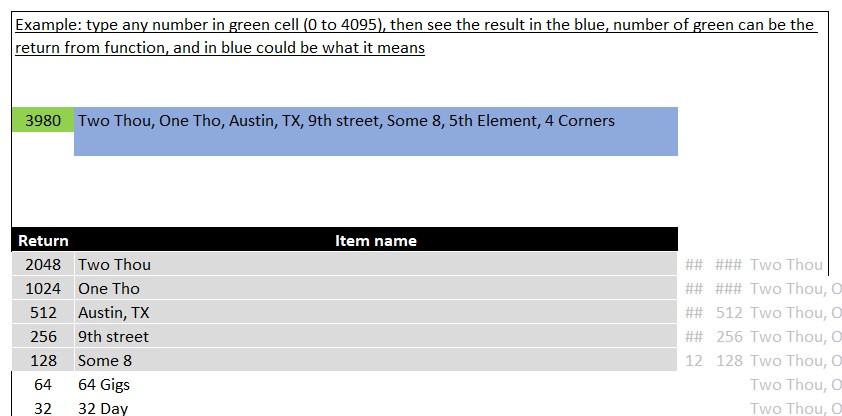
A technic I loved using, return list of items (up to 12 items now) in ONE number.
Let us say you have list of 12 items, and you want a function that will return some of that list (with no order), then this is how you can do it. This has been sitting around for awhile in my archive. I called it 12Return4095
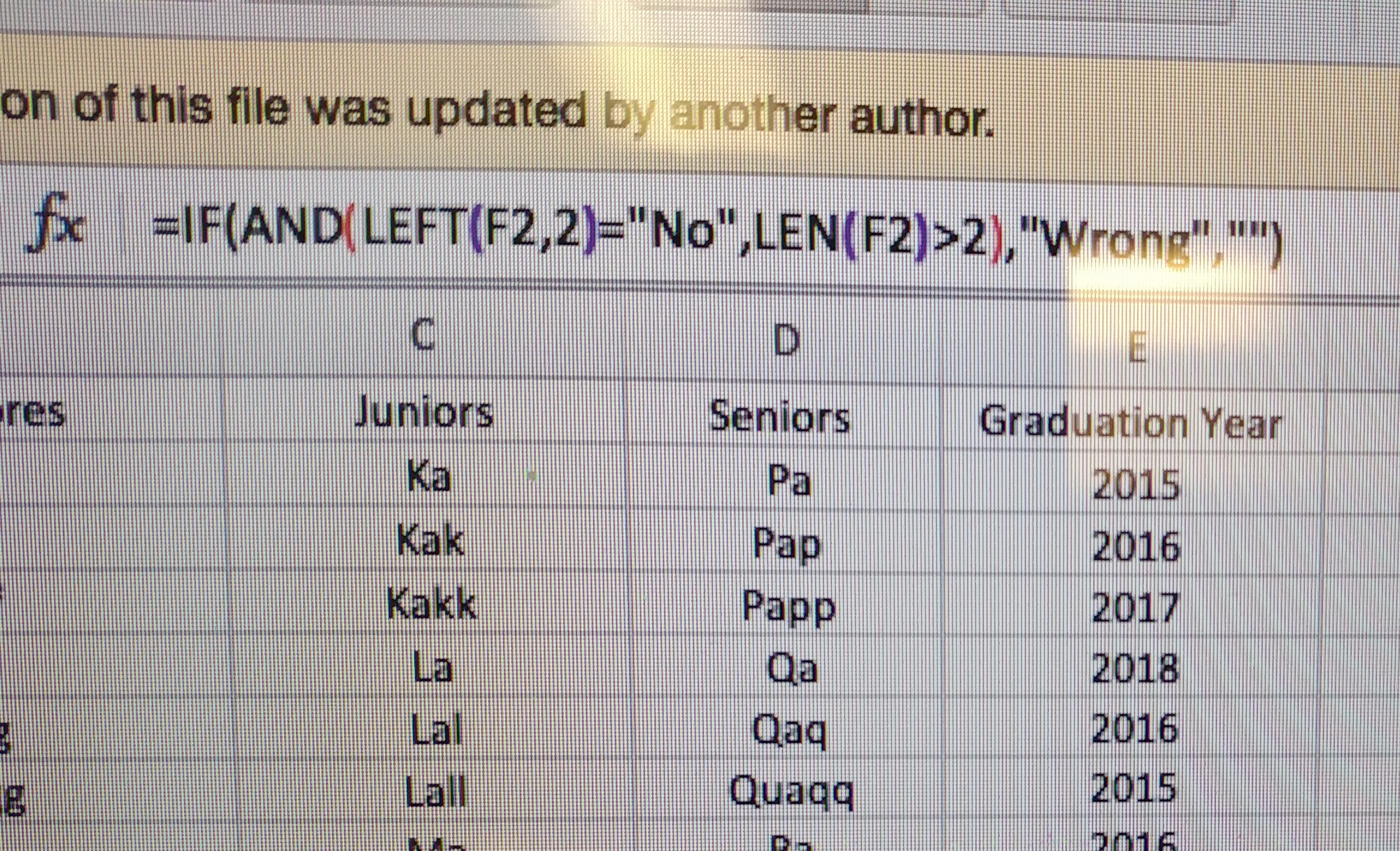
Detect which cells has additional spaces added by mistake by user.
=IF(AND(Left(F2, 2) = "No", LEN(F2) >2, "Space at end", "")
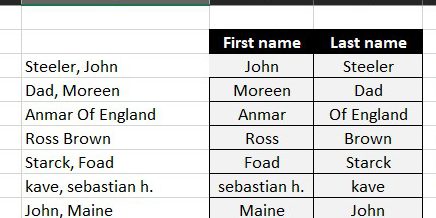
Formula to get first name from 2 formats either (Lastname, First) or (Firstname Last) formats.
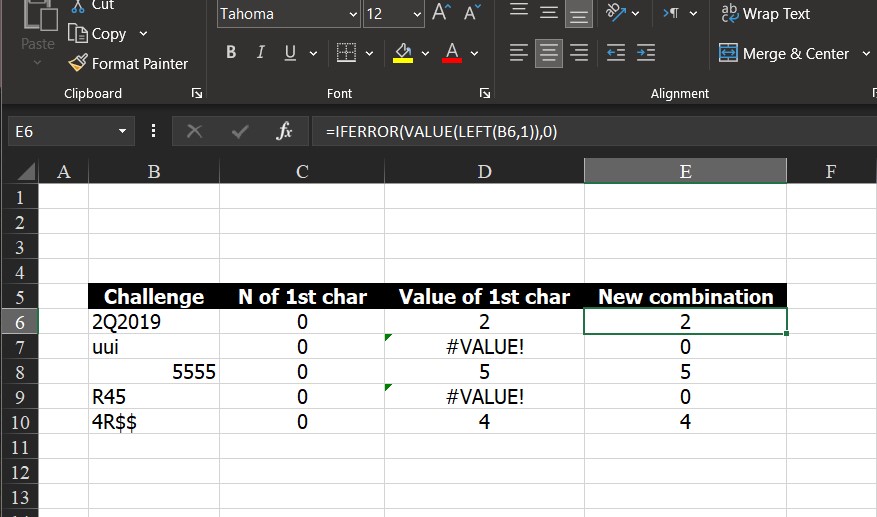
I have been in a lot of situation needing to convert a number came out from a string into actual numbers. Sometimes N() worked, sometimes not, others VALUE() worked, but I did not see a function-does-all solution.
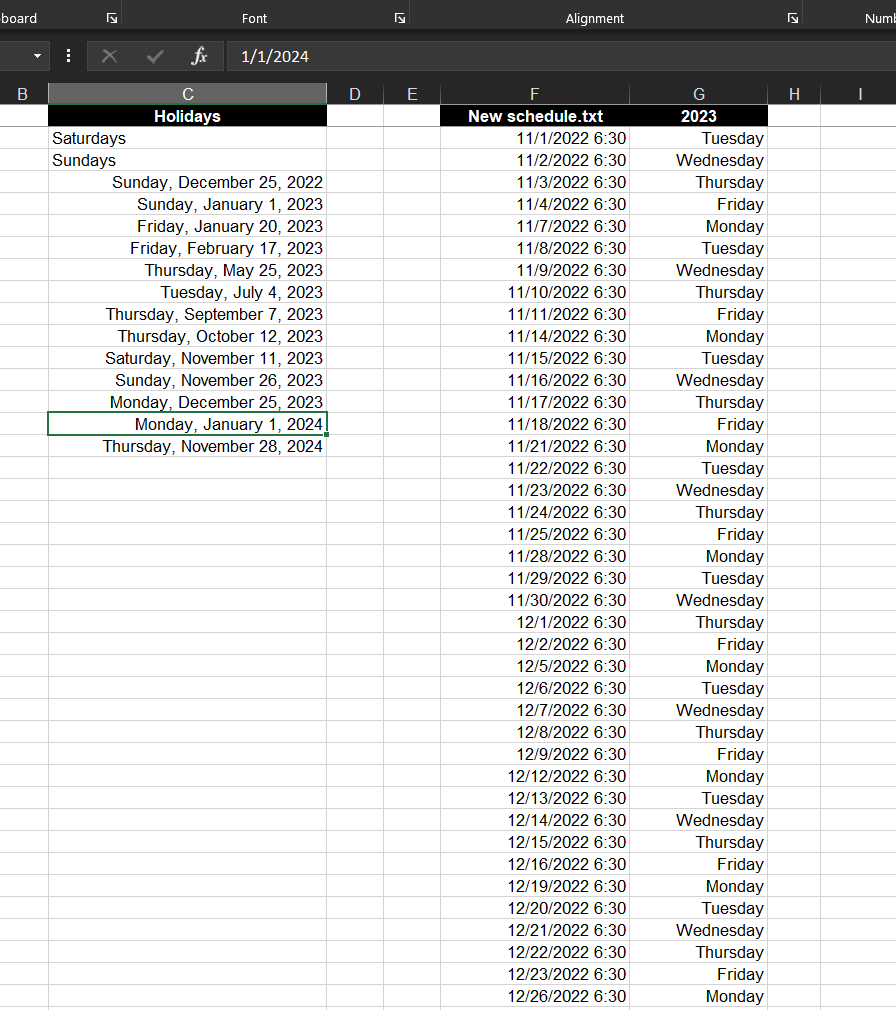
Create list of dates excluding weekends and holidays.
Basically create list of workdays in a certain year, you may fill in to get more.
List of holidays is defined in another column, formula already excludes Saturdays and Sundays.
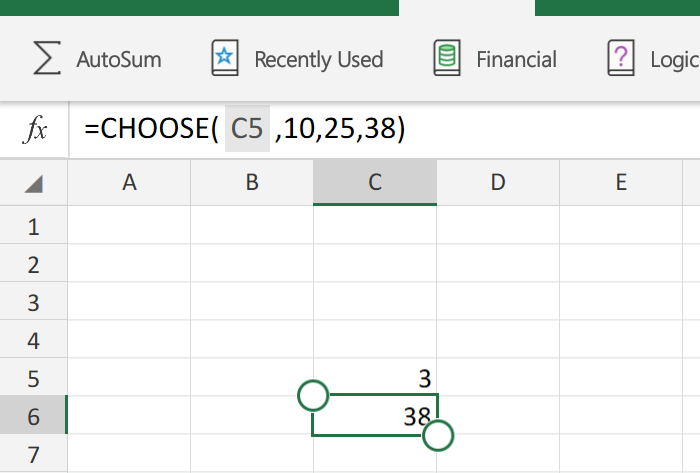
If you are like me, then you must have needed to use CHOOSE functionThis is basically like “SELECT CASE” statement, but more limited So, in few words, you can derive the flow of formulas to go to function1, function2, function3, or function4 based on an integer.More like a nested IF, it can actually replaces a…
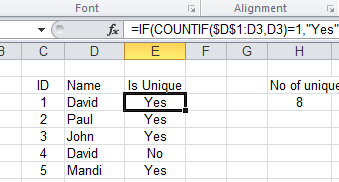
A question by a colleague on how to count number of unique items in a column made me realize, I don’t have that here.
So here it is …