
Skip to content

Excel Functions

Excel f(x)s = Excel Functions

  • Paste Special Percentage Excel User tips
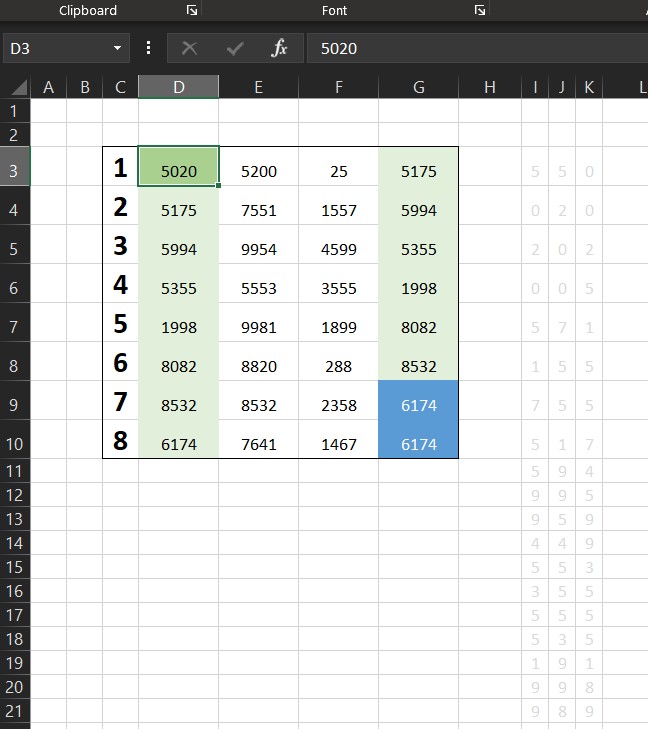
  • Sort list dynamically (functions) COLUMN
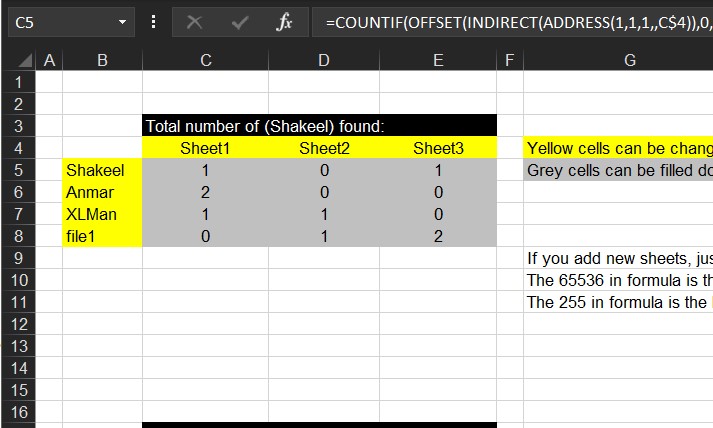
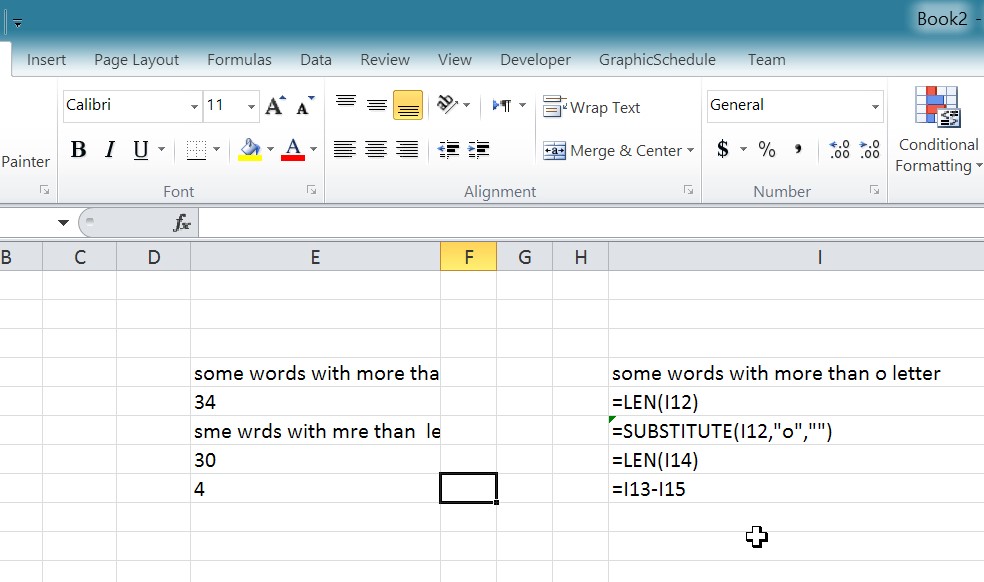
  • Count how many times letter found Formulas - combined functions
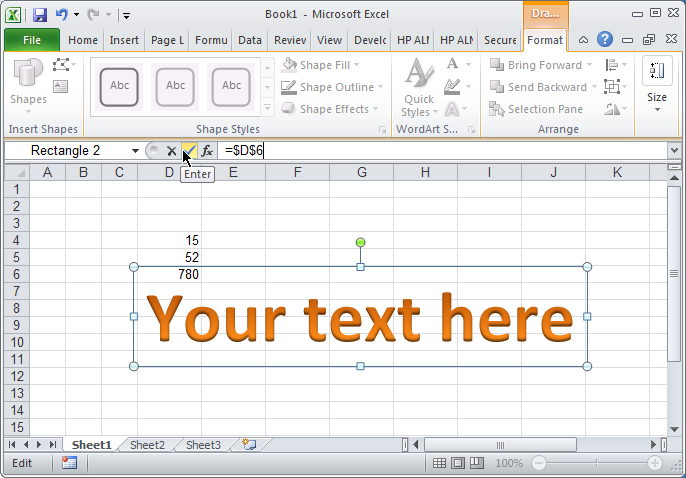
  • Convert cell into textbox Excel User tips
  • CountIf limitation COUNTIF
  • Excel Functions = XL f(x)s XLfxs
  • Return 12 values in one number AND
  • Limited Ceiling Basic Math

Insert Blank rows into table using functions

Posted on February 5, 2012 By ANmar No Comments on Insert Blank rows into table using functions

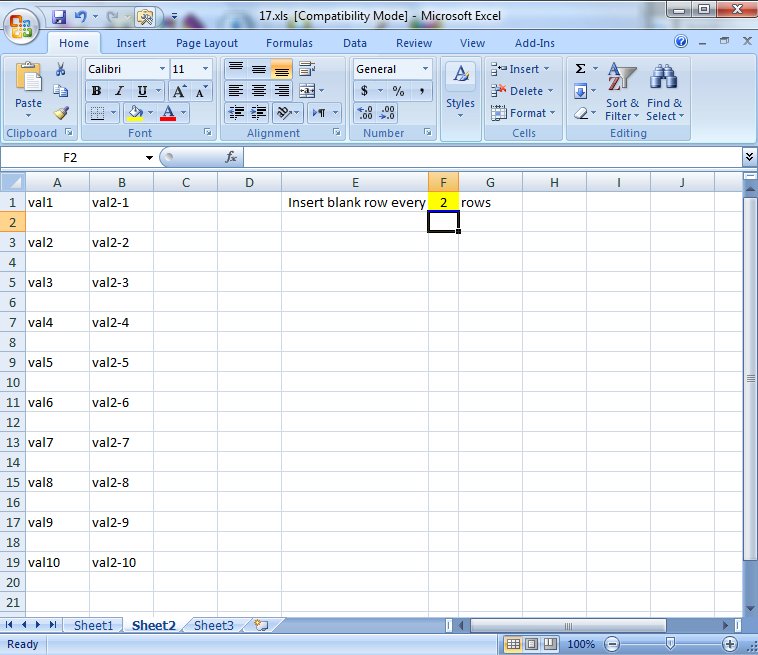
Here you will see how to work with functions to insert a blank row every certain number of rows in a table using a blank sheet to copy all values of that table into the new sheet
Then using Copy > Paste Special to make them constants
The new thing is that this is all done using only functions (Except the Copy and Paste for sure)

Formula used:

=IF(ROW()/$F$1=INT(ROW()/$F$1),"",INDIRECT("Sheet1!"&CHAR(COLUMN()+64)&INT(ROW()/$F$1)-(INT(ROW()/$F$1))*2+ROW()))

CHAR, COLUMN, Formulas - combined functions, IF, INDIRECT, INT, Lookup and References, ROW, Standard functions

Post navigation

Previous Post: Change Calculator – calculate change in multiple bills/coins
Next Post: Sort list dynamically (functions)

Related Posts

  • LastSunday, LastSaturday Date and Time
  • VALUE() of LEFT() Formulas - combined functions
  • Workdays – Across months DATE
  • iframe in Excel (XLiFrame) ADDRESS
  • GoLast to jump to last cell in a column CELL
  • OFFSET+MATCH Formulas - combined functions

Leave a Reply Cancel reply

Your email address will not be published. Required fields are marked *

Recent Posts

  • Stale values (Scratched functions)
  • Middle name + 1st name
  • LastSunday, LastSaturday
  • Paste Special Percentage
  • Jan8 date format

Archives

Categories

  • Array formula (1)
  • Formulas – combined functions (58)
  • Google Sheets (2)
  • Non-functions (36)
    • ActiveX controls (2)
    • Conditional Formatting (7)
    • Data Validation (7)
    • Excel User tips (19)
    • Format Cells (6)
    • Graphics (4)
    • Names (3)
  • Standard functions (82)
    • Basic Math (18)
    • Date and Time (16)
      • DATE (9)
      • Hour (1)
      • MONTH (7)
      • NETWORKDAYS (2)
      • TODAY (7)
      • WEEKDAY (8)
      • WEEKNUM (1)
      • YEAR (8)
    • Engineering (1)
      • CONVERT (1)
    • Information (6)
      • CELL (4)
      • ISERROR (1)
      • N (1)
    • Logical (30)
      • AND (5)
      • IF (24)
      • IFERROR (6)
      • IFNA (1)
      • IFS (1)
      • ISERROR (1)
      • OR (2)
    • Lookup and References (36)
      • ADDRESS (4)
      • CHOOSE (3)
      • COLUMN (7)
      • FORMULATEXT (1)
      • HLOOKUP (1)
      • HYPERLINK (2)
      • INDEX (5)
      • INDIRECT (6)
      • MATCH (12)
      • OFFSET (15)
      • ROW (11)
      • VLOOKUP (5)
    • Math and Trig (24)
      • ABS (1)
      • CEILING (1)
      • COUNT (1)
      • COUNTA (4)
      • INT (9)
      • LARGE (2)
      • MAX (1)
      • Min (2)
      • SMALL (3)
      • SUM (3)
      • SUMIF (1)
      • SUMIFS (2)
      • SUMPRODUCT (1)
    • Statistical (5)
      • COUNTIF (4)
      • COUNTIFS (1)
    • Texts and Strings (24)
      • CHAR (5)
      • CONCATINATE (1)
      • FIND (1)
      • LEFT (8)
      • Len (4)
      • MID (9)
      • REPT (3)
      • RIGHT (2)
      • SEARCH (9)
      • STRING (1)
      • SUBSTITUTE (2)
      • TEXT (4)
      • TRIM (2)
      • VALUE (2)
  • Uncategorized (2)
  • User-Defined f(x)s = UDF (3)
    • HyperlinkOf (1)
  • Worksheet (16)
  • XLfxs (2)

Meta

  • Log in
  • Entries feed
  • Comments feed
  • WordPress.org
  • Excel ad from early 90s Non-functions
  • Sum of divide – Array formula Array formula
  • Get column name (columnname as A,B,C, etc) as input inside cell ADDRESS
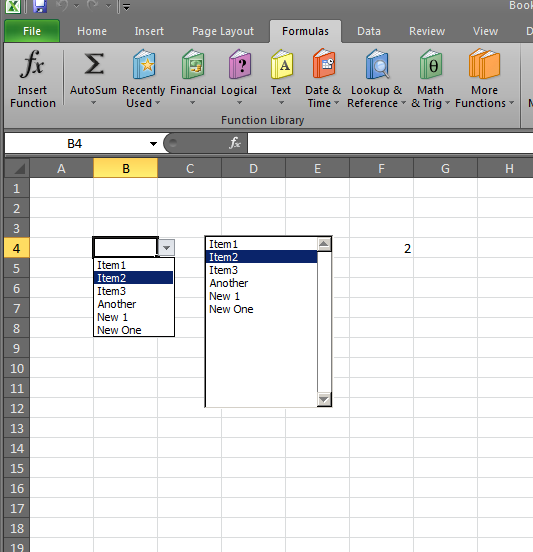
  • Walking Columns ActiveX controls
  • UDF – Convert Number into text (English and Arabic) User-Defined f(x)s = UDF
  • Cuts string of list of items Formulas - combined functions
  • Sorting with functions only CHOOSE
  • Sheet() and Sheets() Lookup and References

Copyright © 2025 Excel Functions.

Powered by PressBook News Dark theme