

Skip to content

Excel Functions

Excel f(x)s = Excel Functions

  • Progress bar in pure functions CHAR
  • Show developer tab Excel User tips
  • When Excel tells you to go get some life Excel User tips
  • Jan8 date format AND
  • Why I ran from =INDIRECT() function Formulas - combined functions
  • Calculate hours between two cells ABS
  • MID + SEARCH to convert cell to rows MID
  • Excel @ before function names in formulas Excel User tips

Category: Graphics

Pixel Excel Drawing

Posted on August 22, 2022 By ANmar
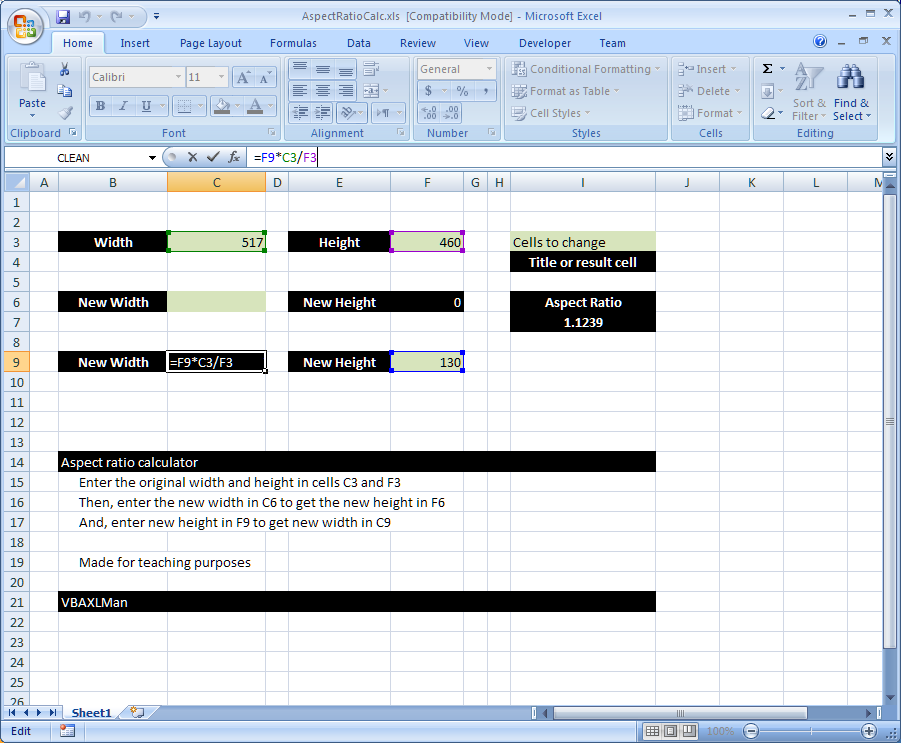
Pixel Excel Drawing

This guy has nothing to stop him

Format Cells, Graphics, Non-functions

Shapes with dynamic output

Posted on July 18, 2022 By ANmar
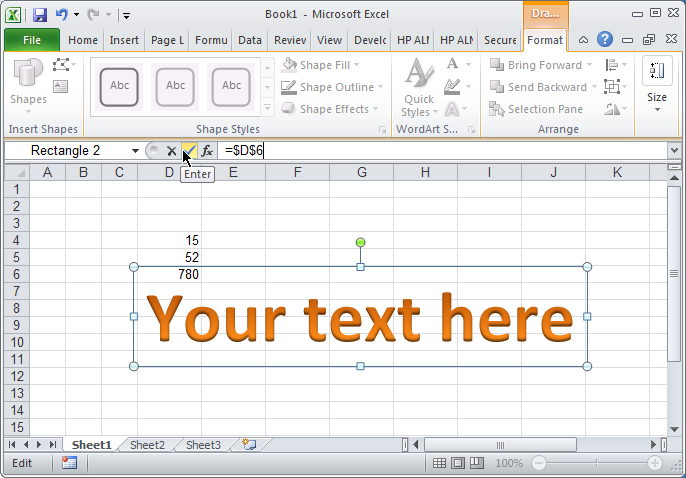
Shapes with dynamic output

A trick learned awhile ago. Creating shapes connected to cell, that updated automatically.

When following steps attached, you will be able to connect any shape to any cell in away making it “linked”, so when cell changes the shape will also get updated.

Used it to enlarge or track user attention to a certain value, or sometimes to format certain text in a free way outside cells limitations.
Read More “Shapes with dynamic output” »

Excel User tips, Graphics, Non-functions

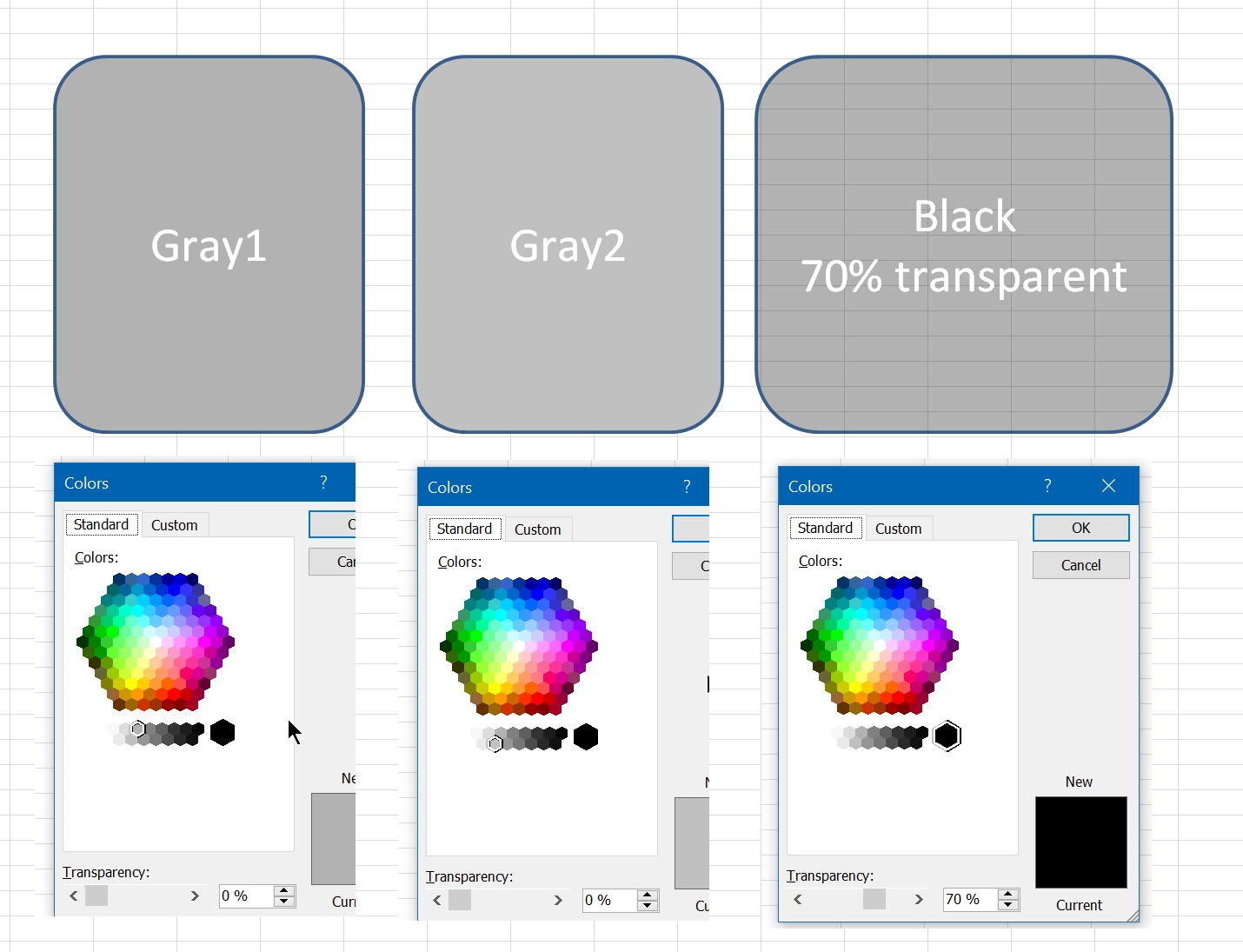
Shades of gray

Posted on January 25, 2019 By ANmar
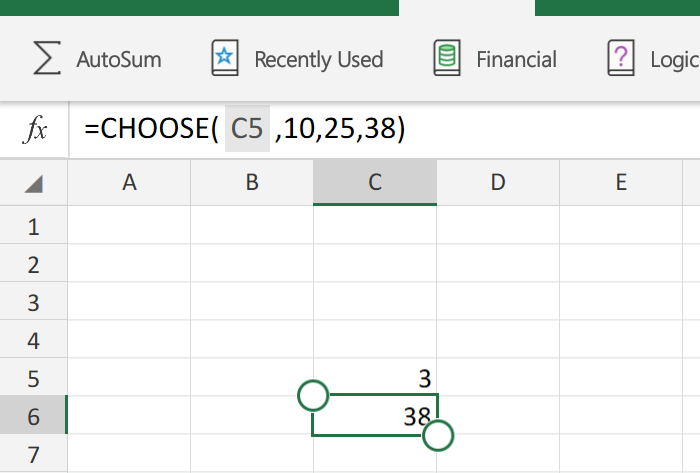
Shades of gray

We need this to be documented s8mewhere

So, here it is

Read More “Shades of gray” »

Graphics, Non-functions, Worksheet

Convert cell into textbox

Posted on March 28, 2018 By ANmar
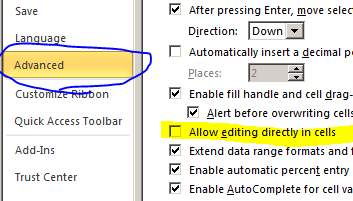
Convert cell into textbox

Often times, I found myself the need to design a sheet where I want users to input something, and I need them to focus on that particular single input (or more)

So, i learned a trick, it is formatting the entire sheet to certain color and give that cell special format to make it look like a textbox.

Read More “Convert cell into textbox” »

Excel User tips, Graphics, Non-functions, Worksheet

Recent Posts

  • Calculate above and below me
  • Stale values (Scratched functions)
  • Middle name + 1st name
  • LastSunday, LastSaturday
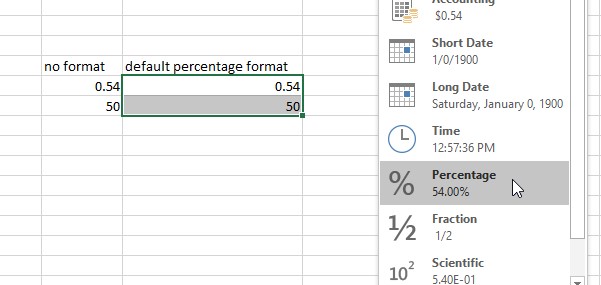
  • Paste Special Percentage

Archives

Categories

  • Array formula (1)
  • Formulas – combined functions (58)
  • Google Sheets (2)
  • Non-functions (36)
    • ActiveX controls (2)
    • Conditional Formatting (7)
    • Data Validation (7)
    • Excel User tips (19)
    • Format Cells (6)
    • Graphics (4)
    • Names (3)
  • Standard functions (83)
    • Basic Math (18)
    • Date and Time (16)
      • DATE (9)
      • Hour (1)
      • MONTH (7)
      • NETWORKDAYS (2)
      • TODAY (7)
      • WEEKDAY (8)
      • WEEKNUM (1)
      • YEAR (8)
    • Engineering (1)
      • CONVERT (1)
    • Information (6)
      • CELL (4)
      • ISERROR (1)
      • N (1)
    • Logical (31)
      • AND (5)
      • IF (25)
      • IFERROR (7)
      • IFNA (1)
      • IFS (1)
      • ISERROR (1)
      • OR (2)
    • Lookup and References (36)
      • ADDRESS (4)
      • CHOOSE (3)
      • COLUMN (7)
      • FORMULATEXT (1)
      • HLOOKUP (1)
      • HYPERLINK (2)
      • INDEX (5)
      • INDIRECT (6)
      • MATCH (12)
      • OFFSET (15)
      • ROW (11)
      • VLOOKUP (5)
    • Math and Trig (24)
      • ABS (1)
      • CEILING (1)
      • COUNT (1)
      • COUNTA (4)
      • INT (9)
      • LARGE (2)
      • MAX (1)
      • Min (2)
      • SMALL (3)
      • SUM (3)
      • SUMIF (1)
      • SUMIFS (2)
      • SUMPRODUCT (1)
    • Statistical (6)
      • Average (1)
      • COUNTIF (4)
      • COUNTIFS (1)
    • Texts and Strings (24)
      • CHAR (5)
      • CONCATINATE (1)
      • FIND (1)
      • LEFT (8)
      • Len (4)
      • MID (9)
      • REPT (3)
      • RIGHT (2)
      • SEARCH (9)
      • STRING (1)
      • SUBSTITUTE (2)
      • TEXT (4)
      • TRIM (2)
      • VALUE (2)
  • Uncategorized (2)
  • User-Defined f(x)s = UDF (3)
    • HyperlinkOf (1)
  • Worksheet (16)
  • XLfxs (2)

Meta

  • Log in
  • Entries feed
  • Comments feed
  • WordPress.org
  • Hello world! Uncategorized
  • Schedule column Basic Math
  • Repeated Offset Basic Math
  • Cells with additional spaces AND
  • Count Unique COUNTIF
  • When Excel functions are not enough Excel User tips
  • Convert 2-column into wide (column-row) table Formulas - combined functions
  • VLookup Lookup and References

Copyright © 2026 Excel Functions.

Powered by PressBook News Dark theme