Skip to content

Excel Functions

Excel f(x)s = Excel Functions

  • Links between two workbooks – dynamically using functions INDIRECT
  • Excel keeps converting all cells to “Date” (or Time) Excel User tips
  • Get monthly total from table with dates DATE
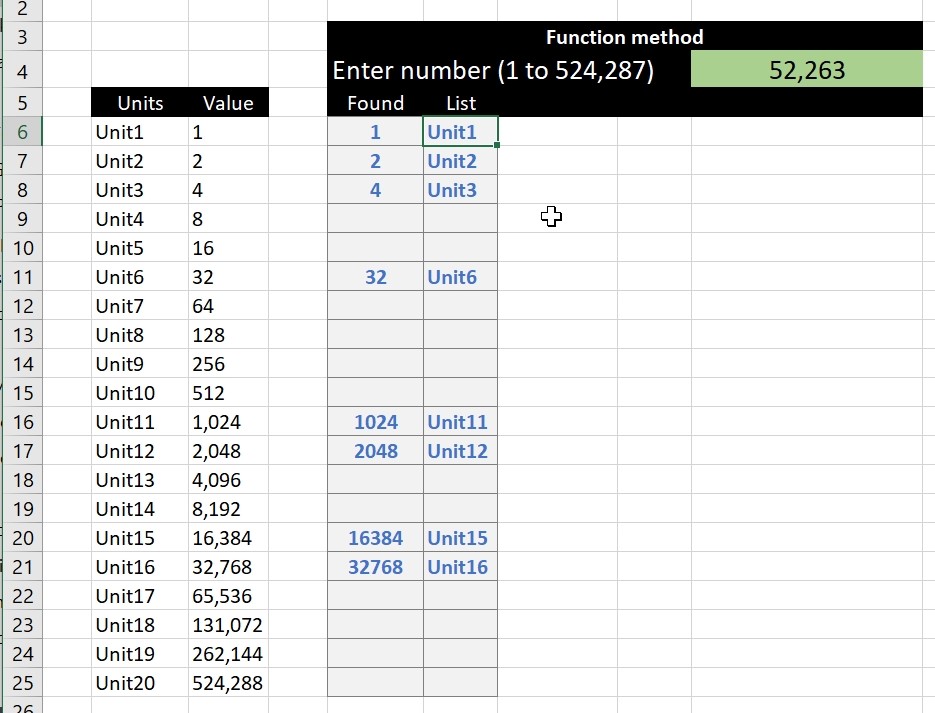
  • Scorring, saving multiple outputs in 1 number Basic Math
  • Filter. Google Sheets function Google Sheets
  • Week number to Month number DATE
  • Validation based on another Validation COUNTA
  • When Excel tells you to go get some life Excel User tips

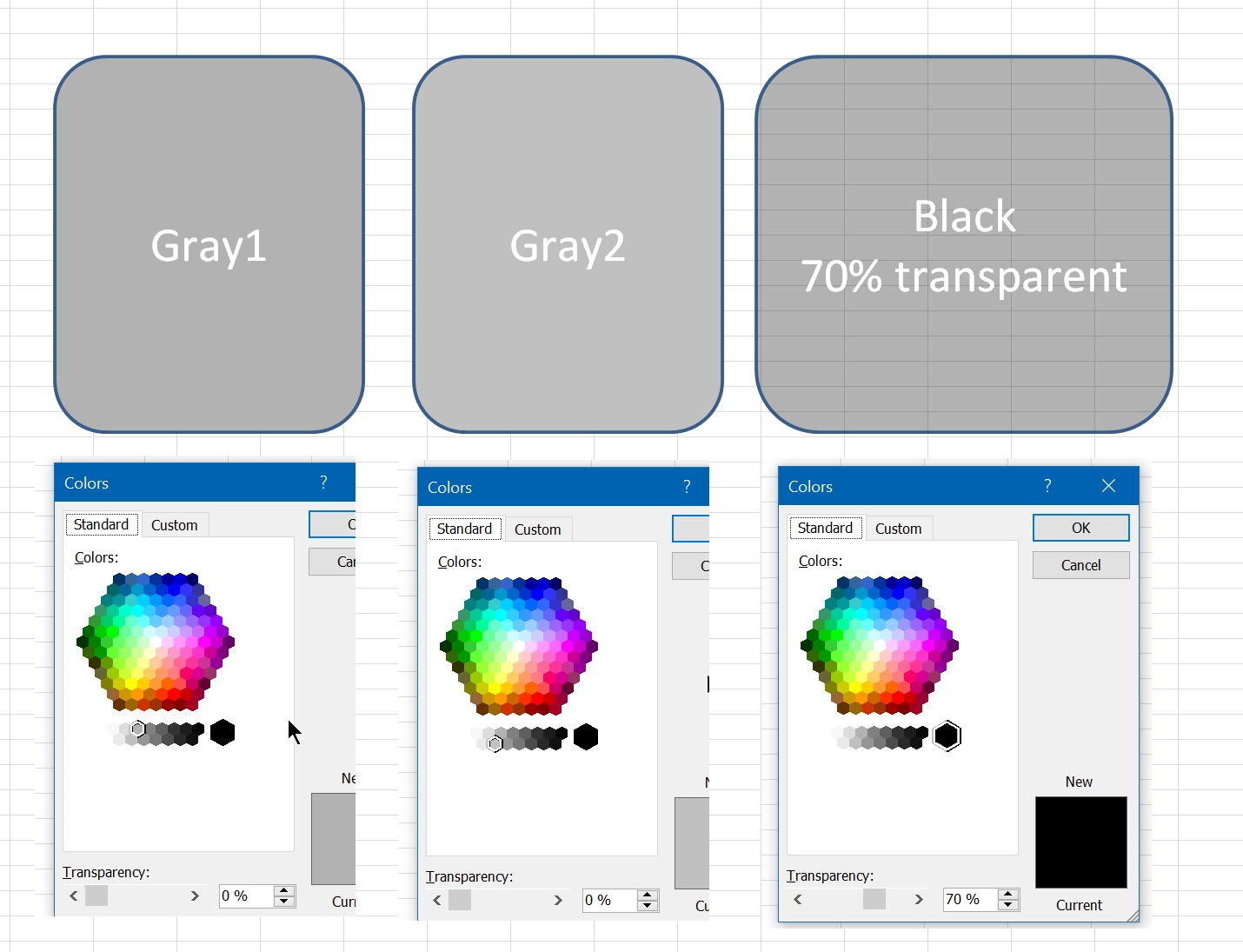
Pixel Excel Drawing

Posted on August 22, 2022 By ANmar

This guy has nothing to stop him

Format Cells, Graphics, Non-functions Tags:drawing, pixels

Post navigation

Previous Post: Cuts string of list of items
Next Post: 6174 Kaprekar’s constant

Related Posts

  • Excel Limits Excel User tips
  • Convert cell into textbox Excel User tips
  • Shapes with dynamic output Excel User tips
  • Blank (isempty) VS “” (null string) Excel User tips
  • Cell formats 0.0\% and 0.0%;(0.0%) Format Cells
  • Scorring, saving multiple outputs in 1 number Basic Math

Recent Posts

  • Stale values (Scratched functions)
  • Middle name + 1st name
  • LastSunday, LastSaturday
  • Paste Special Percentage
  • Jan8 date format

Archives

Categories

  • Array formula (1)
  • Formulas – combined functions (58)
  • Google Sheets (2)
  • Non-functions (36)
    • ActiveX controls (2)
    • Conditional Formatting (7)
    • Data Validation (7)
    • Excel User tips (19)
    • Format Cells (6)
    • Graphics (4)
    • Names (3)
  • Standard functions (82)
    • Basic Math (18)
    • Date and Time (16)
      • DATE (9)
      • Hour (1)
      • MONTH (7)
      • NETWORKDAYS (2)
      • TODAY (7)
      • WEEKDAY (8)
      • WEEKNUM (1)
      • YEAR (8)
    • Engineering (1)
      • CONVERT (1)
    • Information (6)
      • CELL (4)
      • ISERROR (1)
      • N (1)
    • Logical (30)
      • AND (5)
      • IF (24)
      • IFERROR (6)
      • IFNA (1)
      • IFS (1)
      • ISERROR (1)
      • OR (2)
    • Lookup and References (36)
      • ADDRESS (4)
      • CHOOSE (3)
      • COLUMN (7)
      • FORMULATEXT (1)
      • HLOOKUP (1)
      • HYPERLINK (2)
      • INDEX (5)
      • INDIRECT (6)
      • MATCH (12)
      • OFFSET (15)
      • ROW (11)
      • VLOOKUP (5)
    • Math and Trig (24)
      • ABS (1)
      • CEILING (1)
      • COUNT (1)
      • COUNTA (4)
      • INT (9)
      • LARGE (2)
      • MAX (1)
      • Min (2)
      • SMALL (3)
      • SUM (3)
      • SUMIF (1)
      • SUMIFS (2)
      • SUMPRODUCT (1)
    • Statistical (5)
      • COUNTIF (4)
      • COUNTIFS (1)
    • Texts and Strings (24)
      • CHAR (5)
      • CONCATINATE (1)
      • FIND (1)
      • LEFT (8)
      • Len (4)
      • MID (9)
      • REPT (3)
      • RIGHT (2)
      • SEARCH (9)
      • STRING (1)
      • SUBSTITUTE (2)
      • TEXT (4)
      • TRIM (2)
      • VALUE (2)
  • Uncategorized (2)
  • User-Defined f(x)s = UDF (3)
    • HyperlinkOf (1)
  • Worksheet (16)
  • XLfxs (2)

Meta

  • Log in
  • Entries feed
  • Comments feed
  • WordPress.org
  • Cuts string of list of items Formulas - combined functions
  • Stale values (Scratched functions) Excel User tips
  • Count cells with condition – multiple conditions COUNTIFS
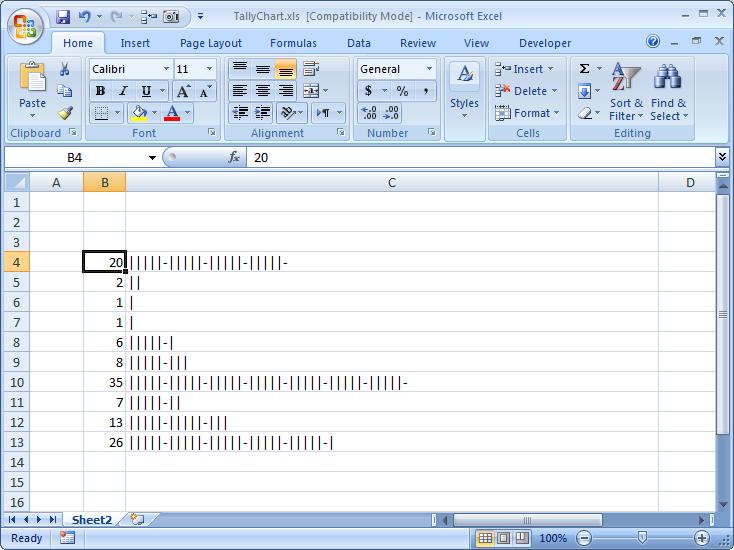
  • Tally chart in functions Formulas - combined functions
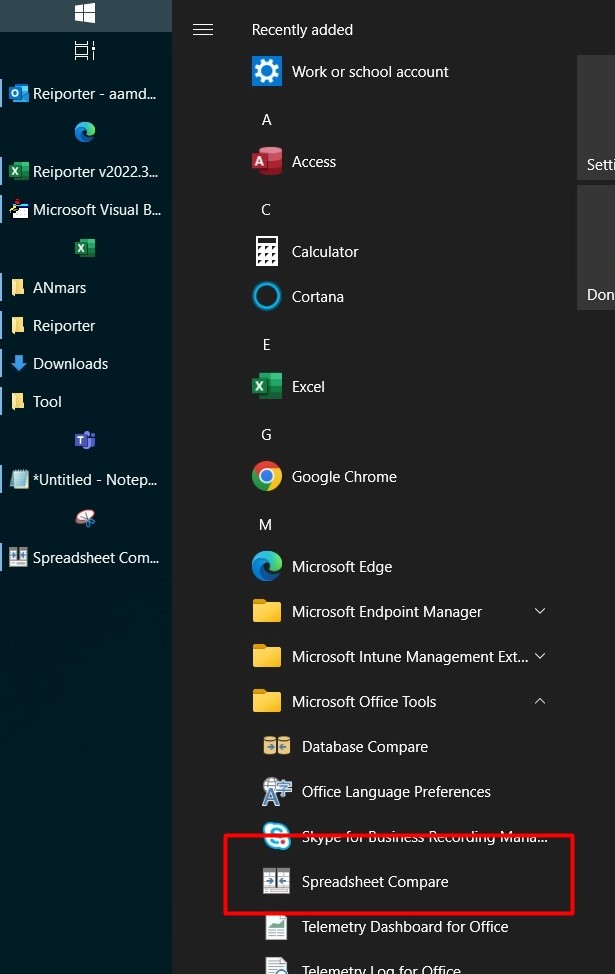
  • Spreadsheet Compare application Excel User tips
  • MID + SEARCH to convert cell to rows MID
  • Fx to cut long column into two columns Formulas - combined functions
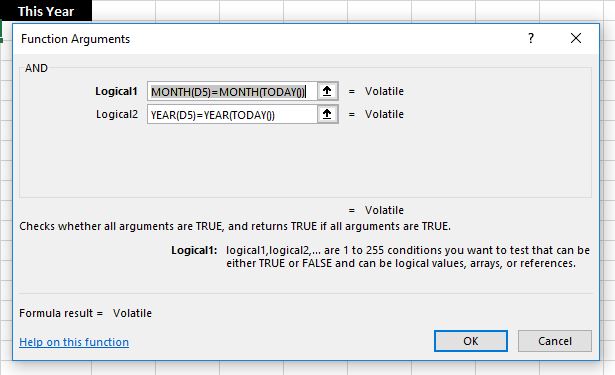
  • IF with AND and IF with OR AND

Copyright © 2026 Excel Functions.

Powered by PressBook News Dark theme