
Skip to content

Excel Functions

Excel f(x)s = Excel Functions

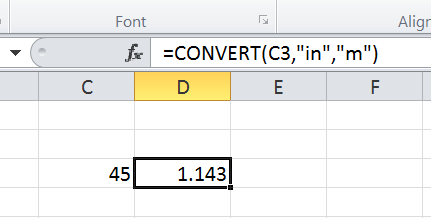
  • CONVERT function CONVERT
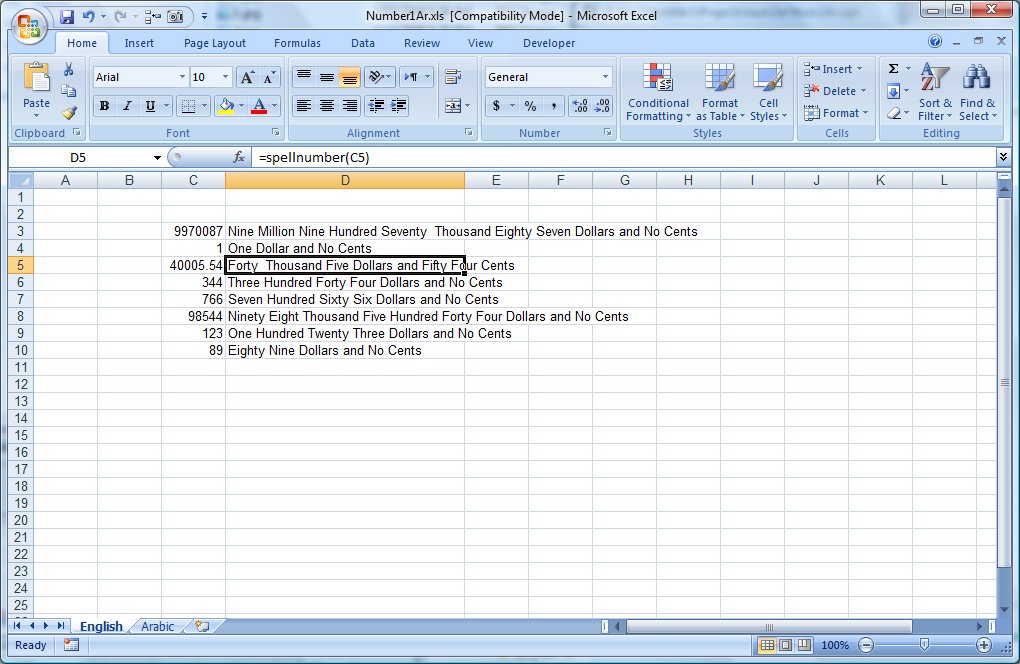
  • UDF – Convert Number into text (English and Arabic) User-Defined f(x)s = UDF
  • Rotate table using 1 formula ADDRESS
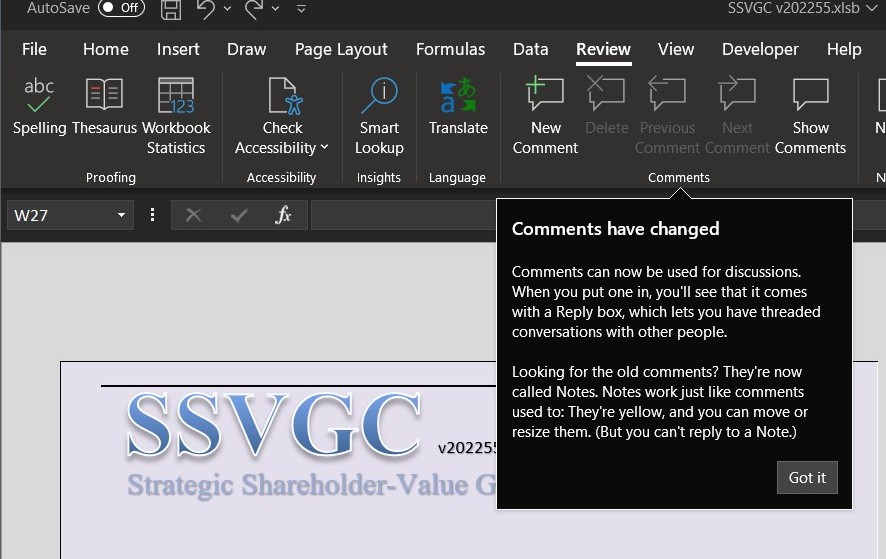
  • Comments versus Notes Excel User tips
  • Jan8 date format AND
  • Convert cell into textbox Excel User tips
  • VALUE() of LEFT() Formulas - combined functions
  • MID + SEARCH to convert cell to rows MID

Month: June 2017

OFFSET+MATCH

Posted on June 9, 2017 By ANmar
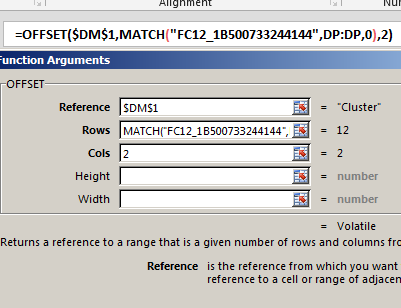
OFFSET+MATCH

One of the power of combining functions in one cell is using the best of these functions

An example is here, OFFSET + MATCH will allow you to do something similar to VLOOKUP.

Why do we want to do that?

VLOOKUP will search in the left-most column in a table to get a value from a column on the right. But this is not the situation all the time

We needed several times to locate a row by using a column on the right, then get the value from a column left to it.

This is when VLOOKUP can not help us.
Read More “OFFSET+MATCH” »

Formulas - combined functions, Lookup and References, MATCH, OFFSET, Standard functions

Excel sessions – 2013 VS 2010

Posted on June 9, 2017 By ANmar
Excel sessions – 2013 VS 2010

Excel 2010 was great because you can easily open another Excel session while your current session is working.

This allowed us to run multiple tools at the same time, since those two sessions are separated and do not touch.

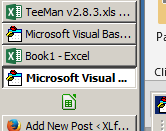
However, starting Excel  2013, the interface changed, making it harder to run new session or open Excel while we have another Excel session running some long process.

Read More “Excel sessions – 2013 VS 2010” »

Excel User tips, Non-functions

Recent Posts

  • Calculate above and below me
  • Stale values (Scratched functions)
  • Middle name + 1st name
  • LastSunday, LastSaturday
  • Paste Special Percentage

Archives

Categories

  • Array formula (1)
  • Formulas – combined functions (58)
  • Google Sheets (2)
  • Non-functions (36)
    • ActiveX controls (2)
    • Conditional Formatting (7)
    • Data Validation (7)
    • Excel User tips (19)
    • Format Cells (6)
    • Graphics (4)
    • Names (3)
  • Standard functions (83)
    • Basic Math (18)
    • Date and Time (16)
      • DATE (9)
      • Hour (1)
      • MONTH (7)
      • NETWORKDAYS (2)
      • TODAY (7)
      • WEEKDAY (8)
      • WEEKNUM (1)
      • YEAR (8)
    • Engineering (1)
      • CONVERT (1)
    • Information (6)
      • CELL (4)
      • ISERROR (1)
      • N (1)
    • Logical (31)
      • AND (5)
      • IF (25)
      • IFERROR (7)
      • IFNA (1)
      • IFS (1)
      • ISERROR (1)
      • OR (2)
    • Lookup and References (36)
      • ADDRESS (4)
      • CHOOSE (3)
      • COLUMN (7)
      • FORMULATEXT (1)
      • HLOOKUP (1)
      • HYPERLINK (2)
      • INDEX (5)
      • INDIRECT (6)
      • MATCH (12)
      • OFFSET (15)
      • ROW (11)
      • VLOOKUP (5)
    • Math and Trig (24)
      • ABS (1)
      • CEILING (1)
      • COUNT (1)
      • COUNTA (4)
      • INT (9)
      • LARGE (2)
      • MAX (1)
      • Min (2)
      • SMALL (3)
      • SUM (3)
      • SUMIF (1)
      • SUMIFS (2)
      • SUMPRODUCT (1)
    • Statistical (6)
      • Average (1)
      • COUNTIF (4)
      • COUNTIFS (1)
    • Texts and Strings (24)
      • CHAR (5)
      • CONCATINATE (1)
      • FIND (1)
      • LEFT (8)
      • Len (4)
      • MID (9)
      • REPT (3)
      • RIGHT (2)
      • SEARCH (9)
      • STRING (1)
      • SUBSTITUTE (2)
      • TEXT (4)
      • TRIM (2)
      • VALUE (2)
  • Uncategorized (2)
  • User-Defined f(x)s = UDF (3)
    • HyperlinkOf (1)
  • Worksheet (16)
  • XLfxs (2)

Meta

  • Log in
  • Entries feed
  • Comments feed
  • WordPress.org
  • Week number to Month number DATE
  • Fx to cut long column into two columns Formulas - combined functions
  • Excel @ before function names in formulas Excel User tips
  • Links between two workbooks – dynamically using functions INDIRECT
  • Walking Columns ActiveX controls
  • Excel Limits Excel User tips
  • Cuts string of list of items Formulas - combined functions
  • Jan8 date format AND

Copyright © 2026 Excel Functions.

Powered by PressBook News Dark theme