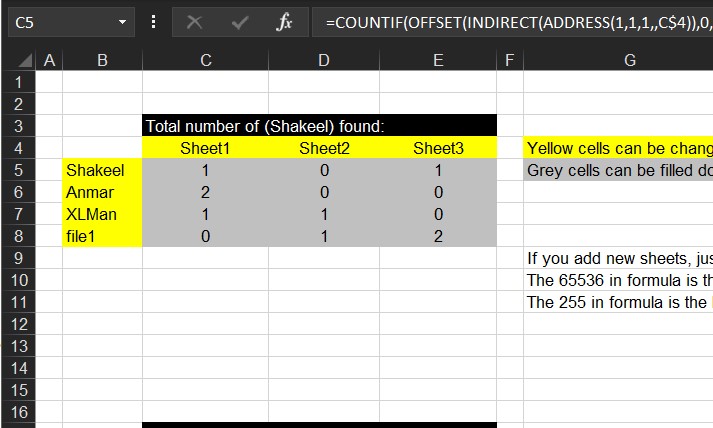
Just when you need to search for a thing across sheets in a workbook.
I am bored, so I am adding articles from my old archive.
Excel f(x)s = Excel Functions



Just when you need to search for a thing across sheets in a workbook.
I am bored, so I am adding articles from my old archive.
Finding which vehicle with minimum (or maximum) amount of savings among peers.
This is an old request, found its formula in my archive to calculate which of the 4 columns is actually has the minimum (or maximum) of savings among other columns.
Trick is as you guessed it was OFFSET.
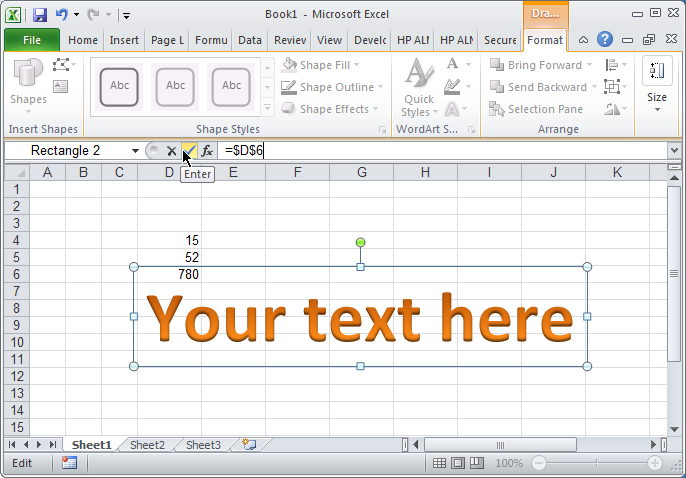
A trick learned awhile ago. Creating shapes connected to cell, that updated automatically.
When following steps attached, you will be able to connect any shape to any cell in away making it “linked”, so when cell changes the shape will also get updated.
Used it to enlarge or track user attention to a certain value, or sometimes to format certain text in a free way outside cells limitations.
Just a quick find I noticed few days ago.
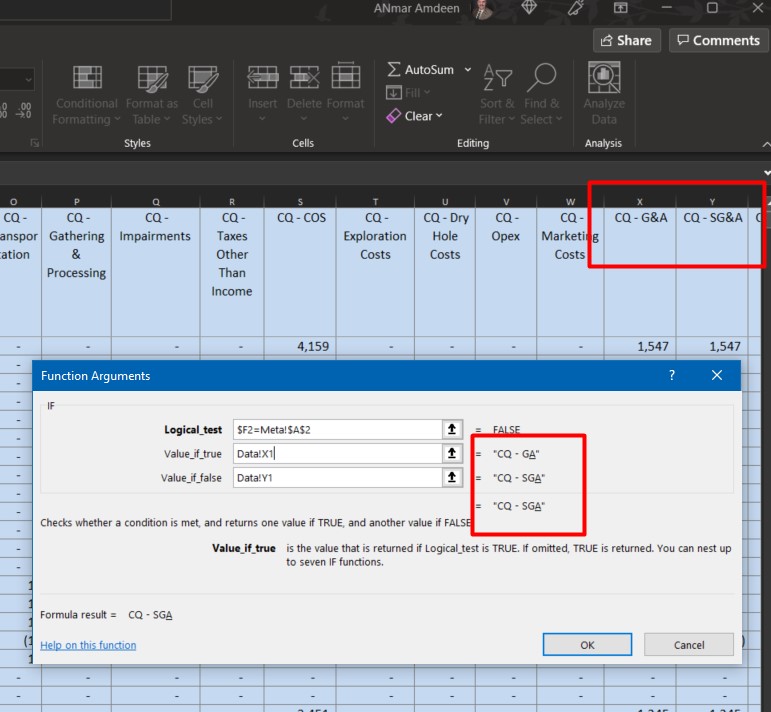
If you notice, the & inside cell has turned into an underline of the letter after
CQ – G&A has turned to CQ – GA
This is a programming technique we used to apply in Menus to allow users to execute a shortcut, looks like here Excel got it inherited
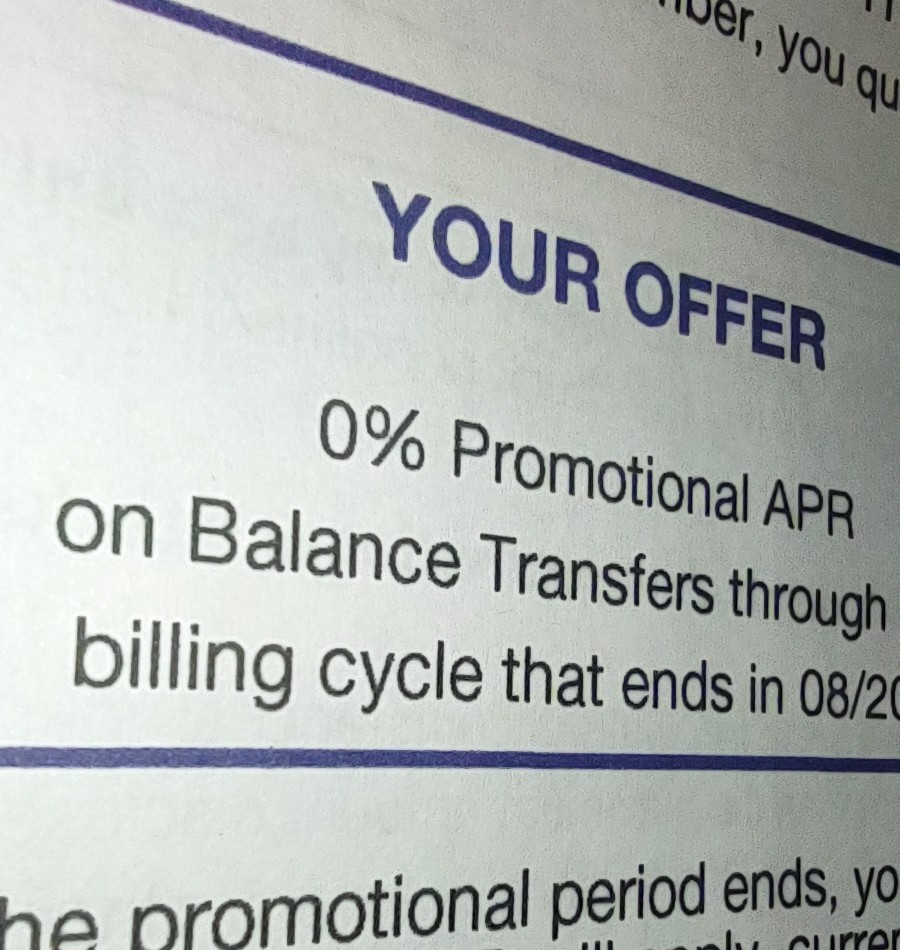
The past few months, I established a formula to help me determine if certain credit card promotion makes sense or not.
This helped me a lot in consolidating my debts (credit card as well others) into interest-free payments. Benefiting from banks and cards promotions. The key part is to determine how much monthly I will commit to pay in order to keep it actually 0%.
So here is the formula.
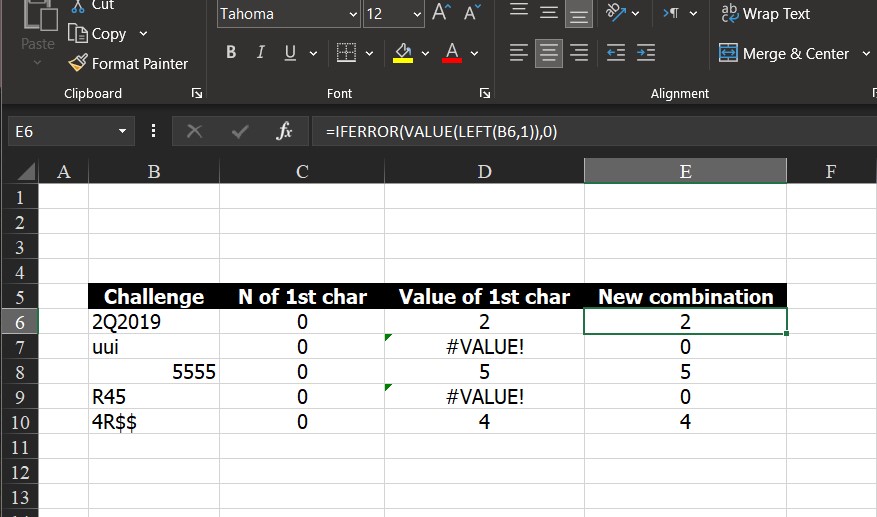
I have been in a lot of situation needing to convert a number came out from a string into actual numbers. Sometimes N() worked, sometimes not, others VALUE() worked, but I did not see a function-does-all solution.
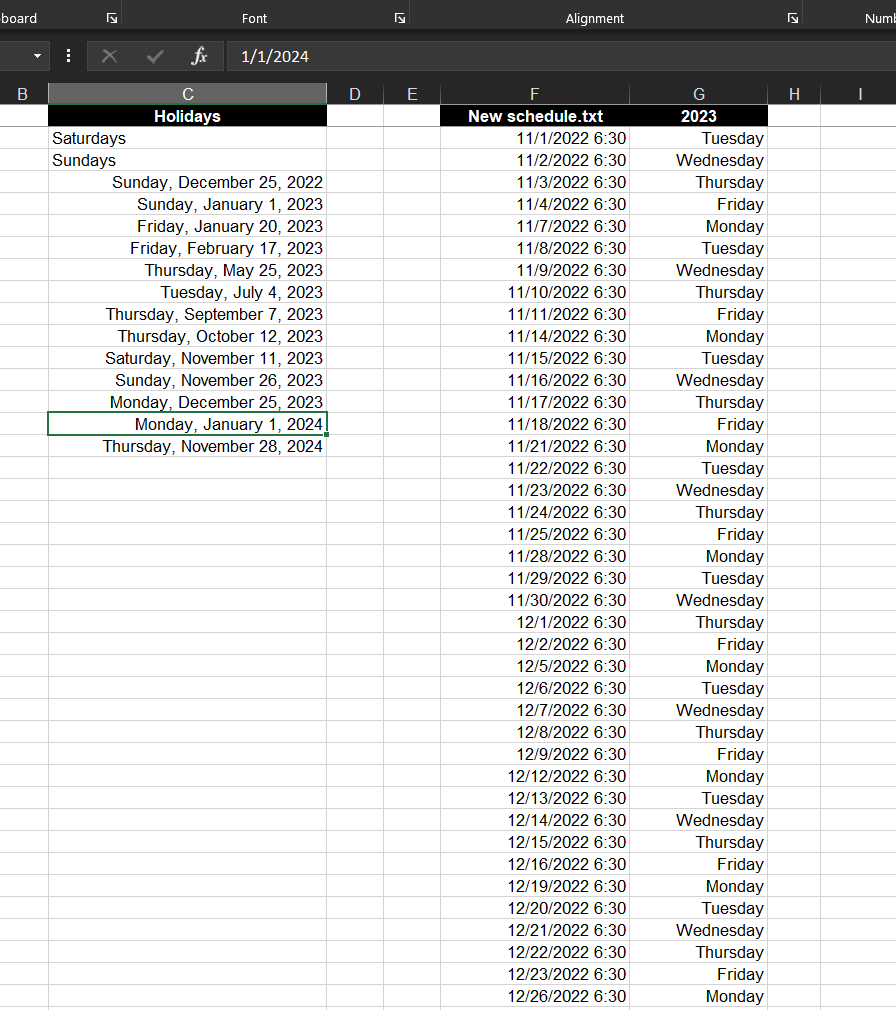
Create list of dates excluding weekends and holidays.
Basically create list of workdays in a certain year, you may fill in to get more.
List of holidays is defined in another column, formula already excludes Saturdays and Sundays.
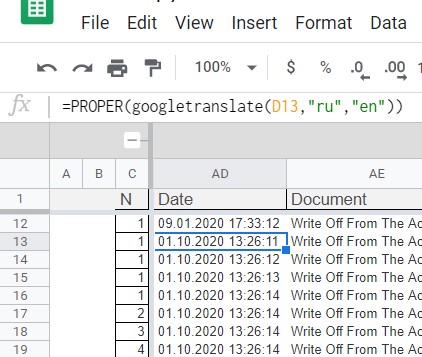
It wasted few days, hitting my head at the wall.My mistake …. I trusted that Google Sheets function called GoogleTranslate is working as it is expected. Which is not You just hate when that happens.We all know that Google is still a child in worksheet world, comparing to Microsoft, they are kids, but I wouldn’t…
Read More “Lesson learned: Do not trust Google Sheets function” »
On your daily work, in Excel, you have had the need to redo actions, simple same action to multiple areas perhaps Or apply similar format to more than 1 region, or repeat actions, the last action you did In all these scenarios, use CTRL+Y It is like a mini-macro to repeat last action taken on…
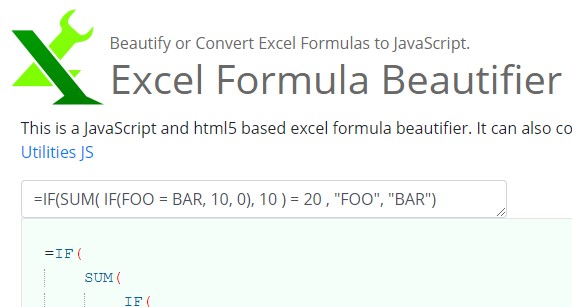
Formula Beautifier
http://excelformulabeautifier.com/
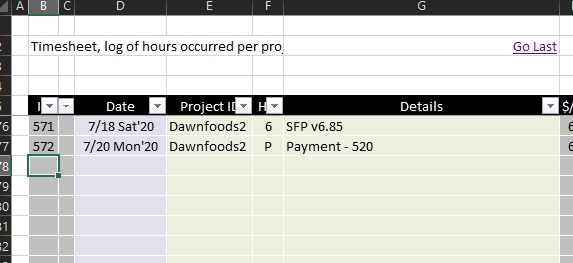
Edit 2021-07-12: I needed this formula to work in a worksheet having space in its name, so original one did not work, here is the new version: =HYPERLINK(“[“&MID(CELL(“filename”,A1),SEARCH(“[“,CELL(“filename”,A1))+1,SEARCH(“]”,CELL(“filename”,A1))-SEARCH(“[“,CELL(“filename”,A1))-1)&”]'”&MID(CELL(“filename”,A1),SEARCH(“]”,CELL(“filename”,A1))+1,500)&”‘!B”&COUNT(B:B)+6,”Go Last”) Again, above formula works in a worksheet with space in its name (and any other character), it already works in a workbook with space in its…