Skip to content

Excel Functions

Excel f(x)s = Excel Functions

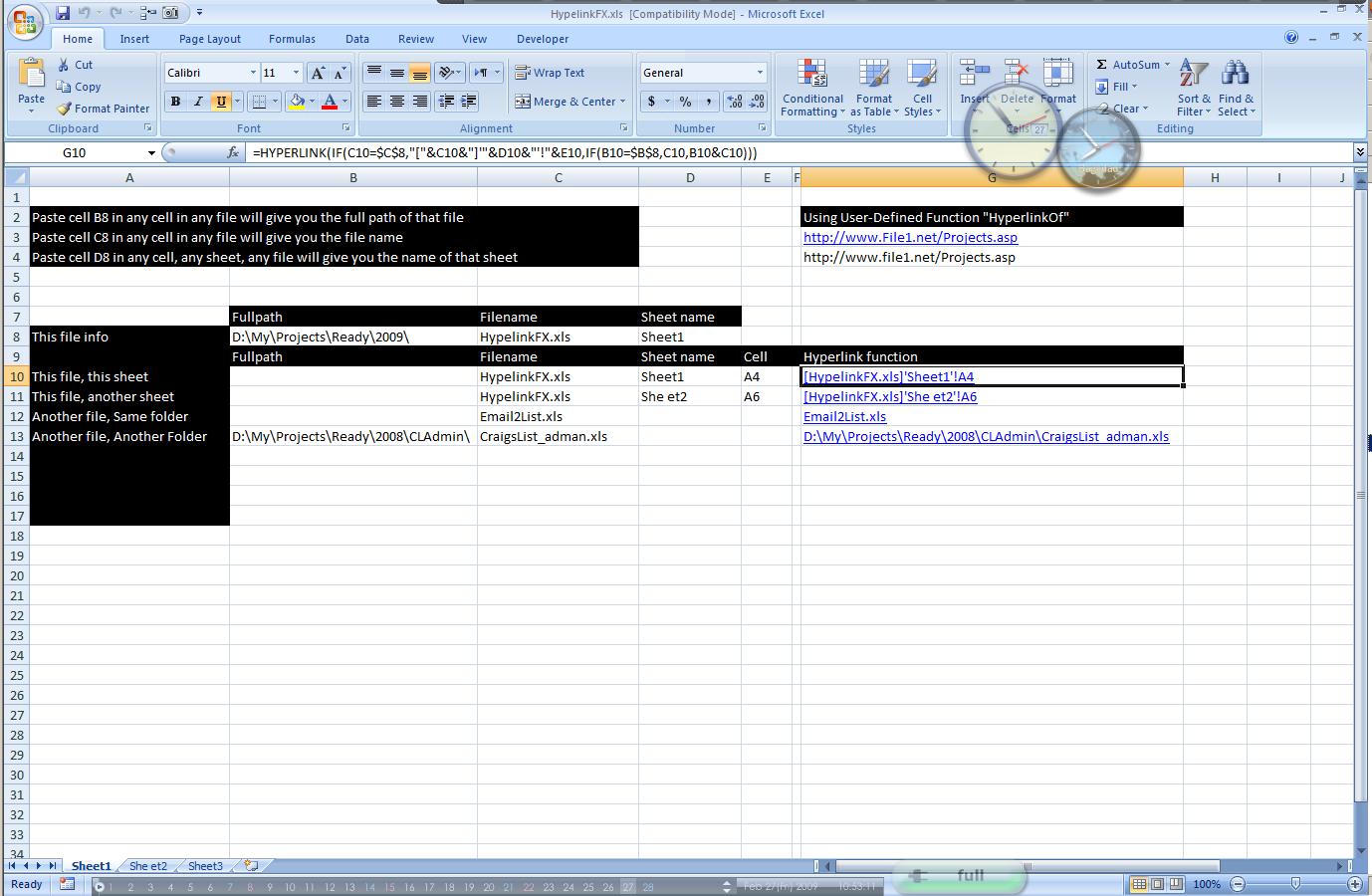
  • Hyperlink usage and HyperlinkOf UDF CELL
  • When Excel functions are not enough Excel User tips
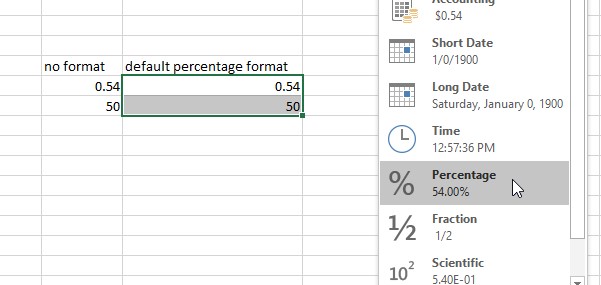
  • Cell formats 0.0\% and 0.0%;(0.0%) Format Cells
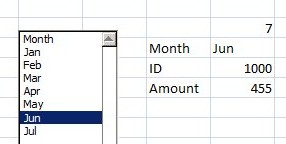
  • Dynamic selection list ActiveX controls
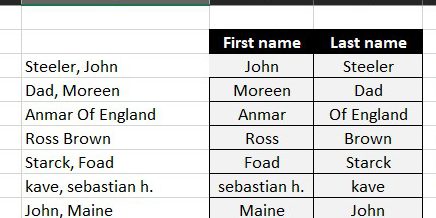
  • Always get 1st name (or last) Formulas - combined functions
  • New function IFERROR, finally IFERROR
  • Blank (isempty) VS “” (null string) Excel User tips
  • Count cells with condition – multiple conditions COUNTIFS

Month: April 2018

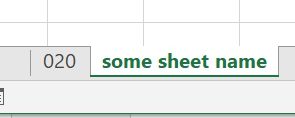
Worksheet name, dynamically using formula

Posted on April 3, 2018 By ANmar
Worksheet name, dynamically using formula

Get the name of the active worksheet in active workbook, using formulas only

This function needs to have workbook saved

Then, you just paste below formula into any cell …

Read More “Worksheet name, dynamically using formula” »

CELL, MID, SEARCH

Text-to-Columns, dynamically using formulas

Posted on April 3, 2018 By ANmar
Text-to-Columns, dynamically using formulas

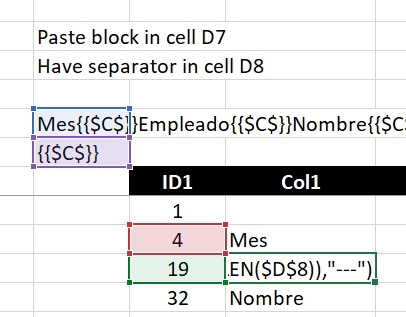
I often use the technique of concatenating columns into 1 cell with separators.

Something like the CSV, 1 line that has all values for a single row (all columns for that row) into 1 text block.

And then, because of that, I need to extract that back, into table
Read More “Text-to-Columns, dynamically using formulas” »

IFERROR, Len, MID, SEARCH

Recent Posts

  • Stale values (Scratched functions)
  • Middle name + 1st name
  • LastSunday, LastSaturday
  • Paste Special Percentage
  • Jan8 date format

Archives

Categories

  • Array formula (1)
  • Formulas – combined functions (58)
  • Google Sheets (2)
  • Non-functions (36)
    • ActiveX controls (2)
    • Conditional Formatting (7)
    • Data Validation (7)
    • Excel User tips (19)
    • Format Cells (6)
    • Graphics (4)
    • Names (3)
  • Standard functions (82)
    • Basic Math (18)
    • Date and Time (16)
      • DATE (9)
      • Hour (1)
      • MONTH (7)
      • NETWORKDAYS (2)
      • TODAY (7)
      • WEEKDAY (8)
      • WEEKNUM (1)
      • YEAR (8)
    • Engineering (1)
      • CONVERT (1)
    • Information (6)
      • CELL (4)
      • ISERROR (1)
      • N (1)
    • Logical (30)
      • AND (5)
      • IF (24)
      • IFERROR (6)
      • IFNA (1)
      • IFS (1)
      • ISERROR (1)
      • OR (2)
    • Lookup and References (36)
      • ADDRESS (4)
      • CHOOSE (3)
      • COLUMN (7)
      • FORMULATEXT (1)
      • HLOOKUP (1)
      • HYPERLINK (2)
      • INDEX (5)
      • INDIRECT (6)
      • MATCH (12)
      • OFFSET (15)
      • ROW (11)
      • VLOOKUP (5)
    • Math and Trig (24)
      • ABS (1)
      • CEILING (1)
      • COUNT (1)
      • COUNTA (4)
      • INT (9)
      • LARGE (2)
      • MAX (1)
      • Min (2)
      • SMALL (3)
      • SUM (3)
      • SUMIF (1)
      • SUMIFS (2)
      • SUMPRODUCT (1)
    • Statistical (5)
      • COUNTIF (4)
      • COUNTIFS (1)
    • Texts and Strings (24)
      • CHAR (5)
      • CONCATINATE (1)
      • FIND (1)
      • LEFT (8)
      • Len (4)
      • MID (9)
      • REPT (3)
      • RIGHT (2)
      • SEARCH (9)
      • STRING (1)
      • SUBSTITUTE (2)
      • TEXT (4)
      • TRIM (2)
      • VALUE (2)
  • Uncategorized (2)
  • User-Defined f(x)s = UDF (3)
    • HyperlinkOf (1)
  • Worksheet (16)
  • XLfxs (2)

Meta

  • Log in
  • Entries feed
  • Comments feed
  • WordPress.org
  • iframe in Excel (XLiFrame) ADDRESS
  • Calculate hours between two cells ABS
  • Insert Blank rows into table using functions CHAR
  • Change Calculator – calculate change in multiple bills/coins Formulas - combined functions
  • Sort list dynamically (functions) COLUMN
  • Blank (isempty) VS “” (null string) Excel User tips
  • FORMULATEXT to show formulas FORMULATEXT
  • Spreadsheet Compare application Excel User tips

Copyright © 2026 Excel Functions.

Powered by PressBook News Dark theme