

Skip to content

Excel Functions

Excel f(x)s = Excel Functions

  • Validation based on another Validation COUNTA
  • Count cells with condition – multiple conditions COUNTIFS
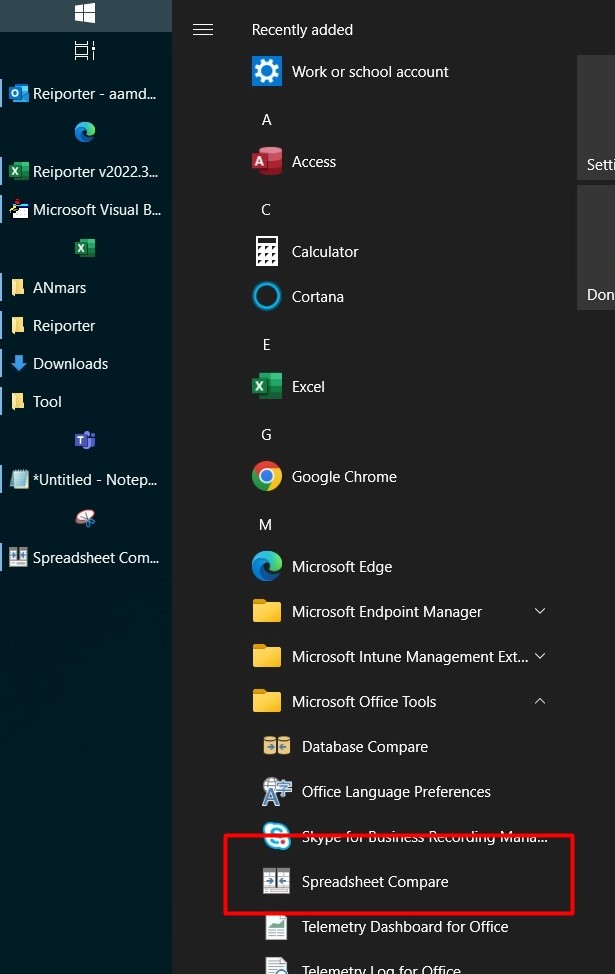
  • Spreadsheet Compare application Excel User tips
  • Lesson learned: Do not trust Google Sheets function Google Sheets
  • Show developer tab Excel User tips
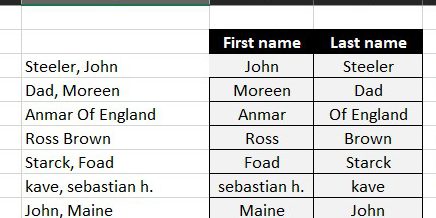
  • Fx to cut long column into two columns Formulas - combined functions
  • SimpleANBox Basic Math
  • GoLast to jump to last cell in a column CELL

Category: Lookup and References

Lookup and references functions, comes with Excel

Insert Blank rows into table using functions
Posted on February 5, 2012 By ANmar No Comments on Insert Blank rows into table using functions
Insert Blank rows into table using functions

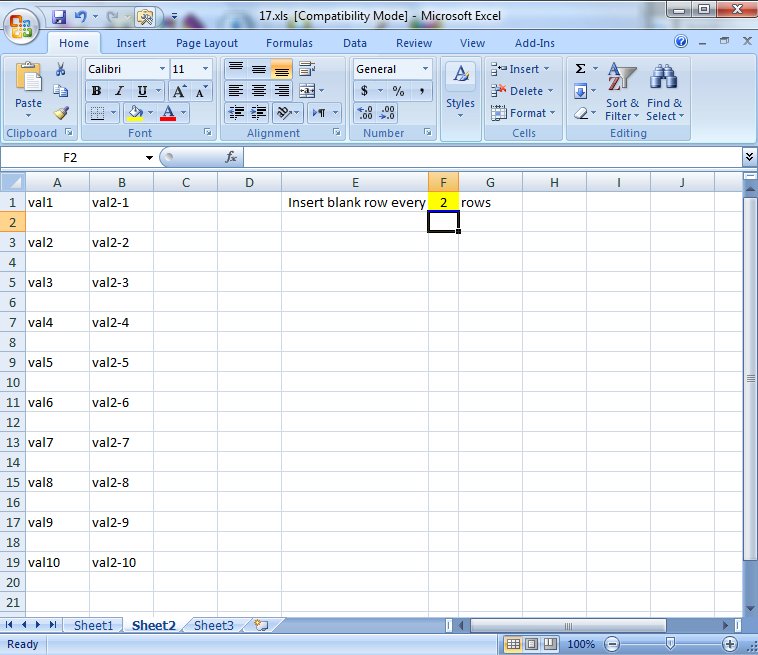
Here you will see how to work with functions to insert a blank row every certain number of rows in a table using a blank sheet to copy all values of that table into the new sheet Then using Copy > Paste Special to make them constants The new thing is that this is all…
Read More “Insert Blank rows into table using functions” »

CHAR, COLUMN, Formulas - combined functions, IF, INDIRECT, INT, Lookup and References, ROW, Standard functions

Excel Dynamic Drop-Downs that grow with you

Posted on January 29, 2012 By ANmar
Excel Dynamic Drop-Downs that grow with you

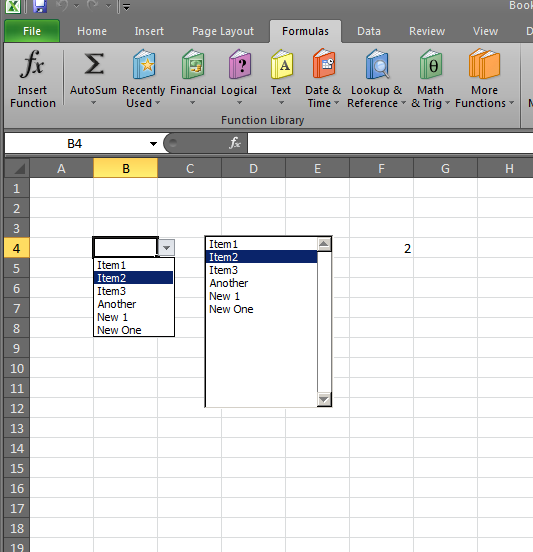
This will help you do a dynamic name to use on a drop down, a Form Listbox or Form Combobox. The screenshot almost says it all. You need 4 steps: 1- Create the name for a column in your Excel file, go to Names > Define in Excel2003 or earlier, or go to Formulas >…

Read More “Excel Dynamic Drop-Downs that grow with you” »

COUNTA, Data Validation, Formulas - combined functions, Lookup and References, OFFSET, Standard functions

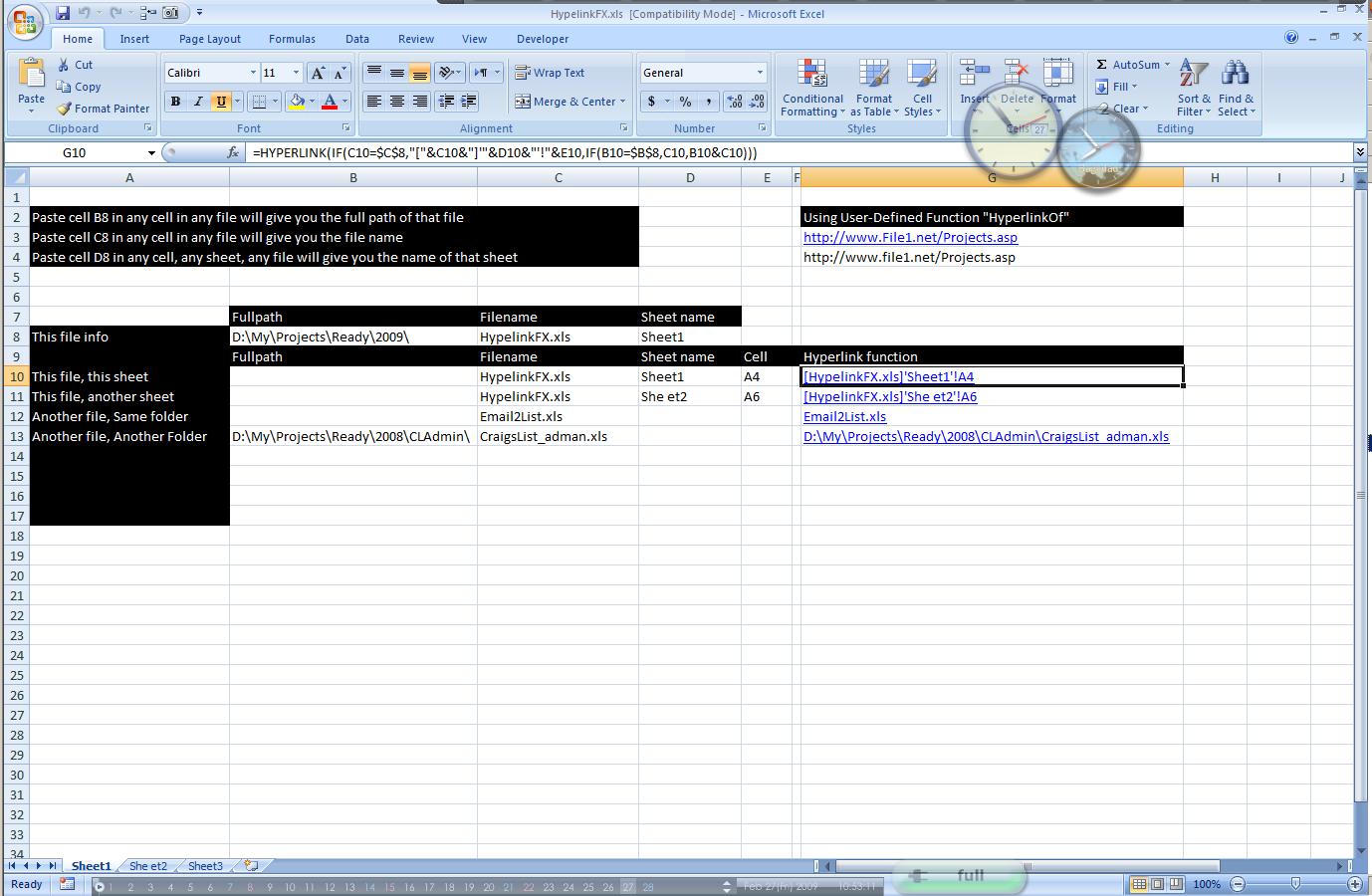
Hyperlink usage and HyperlinkOf UDF

Posted on January 21, 2012 By ANmar No Comments on Hyperlink usage and HyperlinkOf UDF
Hyperlink usage and HyperlinkOf UDF

The Hyperlink function is really powerful and yet not widely used. You can create a whole navigation system with Hyperlink fx or create a custom jump to link to take user to certain area. Of course the “Jump-to” link need other functions, like Match, Indirect and Index Here is a sample of what we can do…

Read More “Hyperlink usage and HyperlinkOf UDF” »

CELL, Formulas - combined functions, HYPERLINK, HyperlinkOf, Information, Lookup and References, MID, Standard functions, User-Defined f(x)s = UDF

Posts pagination

Previous 1 … 3 4

Recent Posts

  • Stale values (Scratched functions)
  • Middle name + 1st name
  • LastSunday, LastSaturday
  • Paste Special Percentage
  • Jan8 date format

Archives

Categories

  • Array formula (1)
  • Formulas – combined functions (58)
  • Google Sheets (2)
  • Non-functions (36)
    • ActiveX controls (2)
    • Conditional Formatting (7)
    • Data Validation (7)
    • Excel User tips (19)
    • Format Cells (6)
    • Graphics (4)
    • Names (3)
  • Standard functions (82)
    • Basic Math (18)
    • Date and Time (16)
      • DATE (9)
      • Hour (1)
      • MONTH (7)
      • NETWORKDAYS (2)
      • TODAY (7)
      • WEEKDAY (8)
      • WEEKNUM (1)
      • YEAR (8)
    • Engineering (1)
      • CONVERT (1)
    • Information (6)
      • CELL (4)
      • ISERROR (1)
      • N (1)
    • Logical (30)
      • AND (5)
      • IF (24)
      • IFERROR (6)
      • IFNA (1)
      • IFS (1)
      • ISERROR (1)
      • OR (2)
    • Lookup and References (36)
      • ADDRESS (4)
      • CHOOSE (3)
      • COLUMN (7)
      • FORMULATEXT (1)
      • HLOOKUP (1)
      • HYPERLINK (2)
      • INDEX (5)
      • INDIRECT (6)
      • MATCH (12)
      • OFFSET (15)
      • ROW (11)
      • VLOOKUP (5)
    • Math and Trig (24)
      • ABS (1)
      • CEILING (1)
      • COUNT (1)
      • COUNTA (4)
      • INT (9)
      • LARGE (2)
      • MAX (1)
      • Min (2)
      • SMALL (3)
      • SUM (3)
      • SUMIF (1)
      • SUMIFS (2)
      • SUMPRODUCT (1)
    • Statistical (5)
      • COUNTIF (4)
      • COUNTIFS (1)
    • Texts and Strings (24)
      • CHAR (5)
      • CONCATINATE (1)
      • FIND (1)
      • LEFT (8)
      • Len (4)
      • MID (9)
      • REPT (3)
      • RIGHT (2)
      • SEARCH (9)
      • STRING (1)
      • SUBSTITUTE (2)
      • TEXT (4)
      • TRIM (2)
      • VALUE (2)
  • Uncategorized (2)
  • User-Defined f(x)s = UDF (3)
    • HyperlinkOf (1)
  • Worksheet (16)
  • XLfxs (2)

Meta

  • Log in
  • Entries feed
  • Comments feed
  • WordPress.org
  • Excel @ before function names in formulas Excel User tips
  • SimpleANBox Basic Math
  • Compare2, a tool to compare two sheets using formulas Conditional Formatting
  • Progress bar in pure functions CHAR
  • Search across sheets in function ADDRESS
  • Links between two workbooks – dynamically using functions INDIRECT
  • Custom fiscal year calendar (CFlex) Basic Math
  • Extract current (Active) workbook name CELL

Copyright © 2026 Excel Functions.

Powered by PressBook News Dark theme